

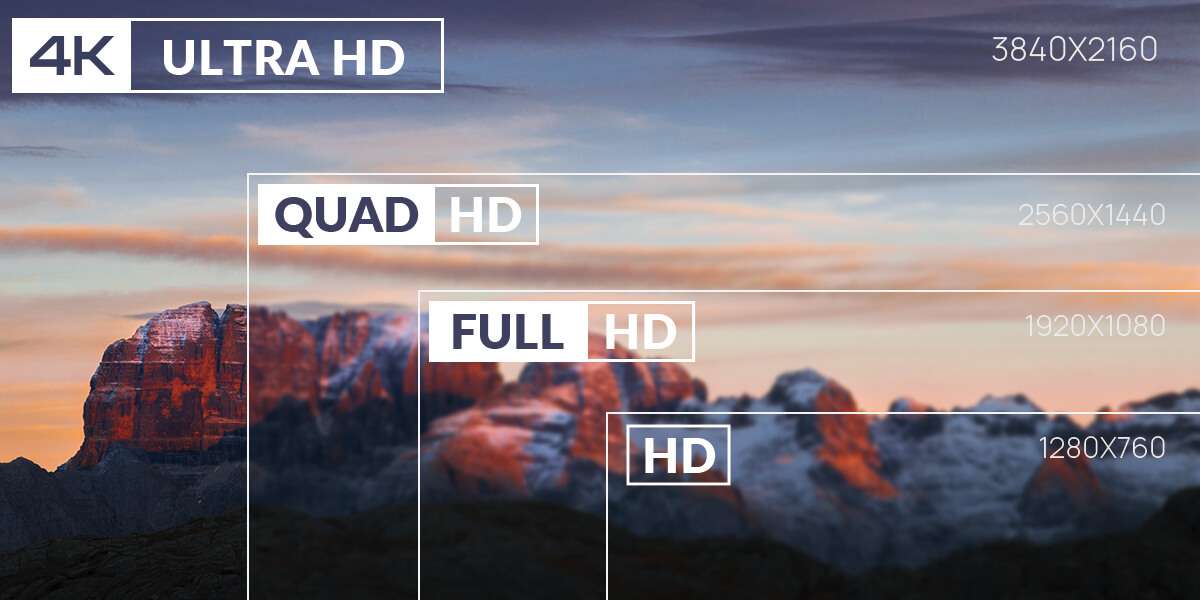
When shopping for a new smartphone, you've probably come across terms like HD+, Full HD+, or QHD in the specifications. These labels all refer to the phone's screen resolution, but what do they actually mean, and how much do they affect your everyday experience?
From watching videos and playing games to reading text and saving battery life, screen resolution plays a bigger role than many people realize. In this guide, we'll explain what phone screen resolution is, how it impacts display quality, and how to choose the right resolution for the way you use your phone.
What Is Phone Screen Resolution?
Phone screen resolution refers to the number of pixels displayed on a screen, expressed as the number of horizontal pixels by the number of vertical pixels. For example, a resolution of 1080 × 2400 means the display contains 1,080 pixels across and 2,400 pixels from top to bottom.
Pixels are the tiny dots that make up everything you see on your screen, including text, images, videos, and app interfaces. In general, a higher resolution means more pixels are packed into the display, allowing finer details and sharper visuals.
However, screen resolution is only one factor that determines display quality. It should not be confused with screen size, which is measured diagonally in inches. Two phones can have the same 6.7-inch display but different resolutions, resulting in different levels of sharpness.
Likewise, a smaller phone with the same resolution as a larger one may appear even sharper because its pixels are packed more densely. Understanding screen resolution is the first step toward choosing a phone that delivers the right balance of image quality, performance, and battery life.
How Does Screen Resolution Affect Your Experience?
Screen resolution influences much more than how a phone's display looks on paper. It affects the clarity of text, the quality of videos, the visual experience in games, and even how long your battery lasts. While a higher resolution can make content appear sharper, it isn't always the most important factor for every user. Here's how screen resolution impacts your everyday smartphone experience.
Sharper Text and Images
One of the most noticeable benefits of a higher screen resolution is improved sharpness. Text appears crisper and easier to read, while photos display finer details and smoother edges. Whether you're browsing the web, reading e-books, or viewing social media, a higher-resolution display can make everything look cleaner and more refined, especially when viewed up close.
Better Video Playback
If you frequently watch movies or stream videos on your phone, screen resolution plays an important role in image quality. A display with a higher resolution can show more detail when playing high-definition content, making scenes appear clearer and more lifelike. However, to fully benefit from a high-resolution screen, the video itself must also be available in a matching quality, such as 1080p or higher.
Gaming Visuals
For mobile gamers, a higher-resolution display can make game environments, character models, and visual effects look more detailed and immersive. However, rendering more pixels also requires additional graphics processing power. As a result, some games lower the rendering resolution automatically to maintain smoother frame rates, especially on demanding titles. In many cases, a combination of Full HD+ resolution and a high refresh rate provides a better gaming experience than resolution alone.
Battery Life and Performance Trade-Offs
Higher resolutions require the phone's processor and graphics chip to render more pixels, which can increase power consumption during gaming, video playback, and other graphics-intensive tasks. For this reason, some flagship smartphones allow users to switch between Full HD+ and Quad HD resolutions to extend battery life when maximum sharpness isn't necessary. For most people, a well-optimized Full HD+ display offers an excellent balance between image quality, performance, and battery efficiency.
Common Phone Screen Resolutions Explained
Smartphones are available with a wide range of screen resolutions, from budget-friendly HD displays to premium Quad HD panels. While higher resolutions generally produce sharper images, they also tend to appear on more expensive devices. The table below compares the most common phone screen resolutions you'll find today.
| Resolution | Name | Typical Devices | Cost |
|---|---|---|---|
| 720 × 1280 | HD (720p) | Older smartphones, compact devices | ★ |
| 720 × 1600 | HD+ | Modern entry-level smartphones | ★ |
| 1080 × 1920 | Full HD (FHD, 1080p) | Older flagship phones, some budget tablets | ★★ |
| 1080 × 2400 | Full HD+ (FHD+) | Most mid-range and flagship smartphones | ★★ |
| 1220 × 2712 | 1.5K | Upper mid-range and premium smartphones | ★★★ |
| 1440 × 2560 | Quad HD (QHD, 1440p) | Older premium smartphones | ★★★★ |
| 1440 × 3200 | Quad HD+ (QHD+) | Modern flagship smartphones | ★★★★ |
| 2160 × 3840 | 4K UHD | Rare flagship smartphones | ★★★★★ |
HD+ (720p)
HD+ displays are commonly found on entry-level smartphones designed for basic tasks such as messaging, web browsing, and video streaming. While they don't offer the same level of sharpness as higher-resolution screens, they consume less power and help keep device costs affordable.
Full HD+ (1080p)
Full HD+ has become the most common smartphone resolution today, offering an excellent balance between image quality, performance, and battery life. Text appears crisp, videos look detailed, and games run smoothly on most devices. For the majority of users, FHD+ provides more than enough sharpness for everyday use.
1.5K Resolution
Often marketed as a premium alternative to Full HD+, 1.5K displays have become increasingly popular on upper mid-range smartphones. They deliver noticeably sharper visuals than FHD+ while requiring less processing power and battery than QHD+ displays. For many manufacturers, 1.5K has become a practical middle ground between performance and visual quality.
QHD+ (1440p)
QHD+ displays pack significantly more pixels than Full HD+, producing sharper images and finer details. They are typically reserved for flagship smartphones aimed at enthusiasts, gamers, and users who frequently consume high-resolution media. However, the improvement over FHD+ can be subtle on smaller phone screens, especially during normal viewing.
4K UHD
Although 4K resolution is common on televisions and computer monitors, it remains extremely rare in smartphones. Only a handful of premium models have adopted 4K displays, primarily to showcase ultra-high-definition video content or meet specialized professional needs. For most users, the additional sharpness offers limited real-world benefits while increasing power consumption.
Resolution vs. Pixel Density (PPI)
Screen resolution and pixel density (PPI) are closely related, but they are not the same thing.
- Resolution tells you how many pixels a display has.
- Pixels per inch (PPI) measures how tightly those pixels are packed into the screen.
The higher the PPI, the sharper and more detailed the display will appear when viewed at a normal distance.
For example, two smartphones may both have a Full HD+ (1080 × 2400) resolution, but if one has a 6.1-inch display and the other has a 6.8-inch display, the smaller phone will have a higher PPI because the same number of pixels is concentrated into a smaller area. As a result, text and images often look slightly sharper on the smaller screen.
This is why screen resolution alone doesn't tell the whole story. When comparing smartphones, it's best to consider the combination of screen size, resolution, and PPI rather than focusing on a single specification. In many cases, a phone with a well-balanced Full HD+ display and high pixel density can look just as sharp as a higher-resolution model in everyday use.
Should You Always Choose the Highest Resolution?
A higher screen resolution can certainly make a smartphone display look sharper, but it isn't automatically the best choice for everyone. Your ideal resolution depends on how you use your phone, your budget, and whether you prioritize display quality, battery life, or overall performance.
Pros of Higher Screen Resolution
- Sharper visuals: Text, icons, and images appear clearer with finer details.
- Better media experience: High-resolution videos and photos look more immersive on a detailed display.
- Improved gaming graphics: Games can appear more realistic when paired with powerful hardware.
- Enhanced productivity: Reading documents, editing photos, and multitasking can feel more comfortable thanks to the extra visual clarity.
- Premium user experience: Higher-resolution displays are often paired with other flagship features such as OLED panels and high refresh rates.
Cons of Higher Screen Resolution
- Higher battery consumption: Rendering more pixels requires additional power, especially during gaming and video playback.
- Greater hardware demands: A higher-resolution display places more workload on the GPU, which can affect performance on less powerful devices.
- Higher device cost: Phones with QHD+ or 4K displays are typically found in premium price ranges.
- Limited real-world difference: On smartphone-sized screens, many users find it difficult to notice a significant improvement over a high-quality Full HD+ display during everyday use.
8849 Phones: Balancing Resolution with Performance

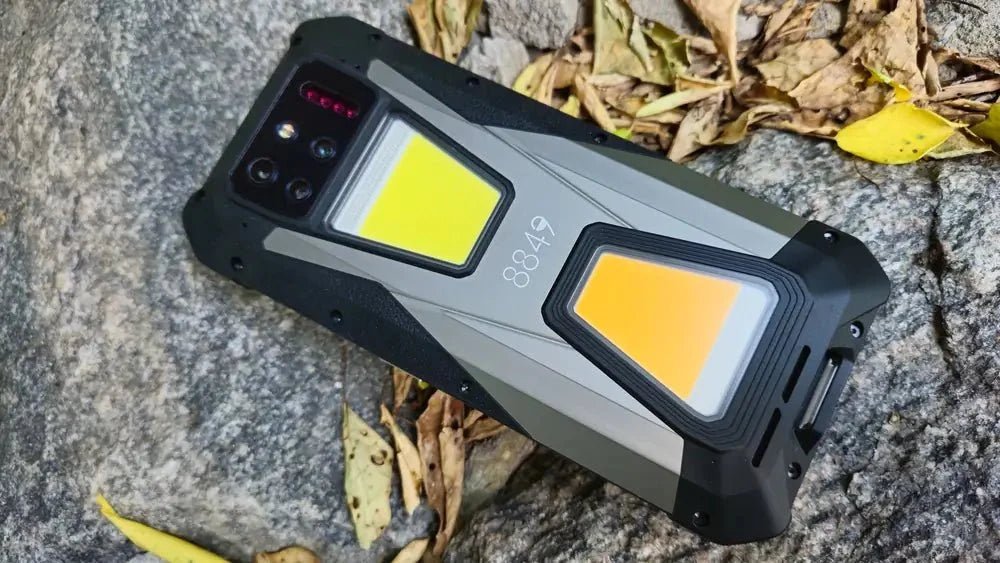
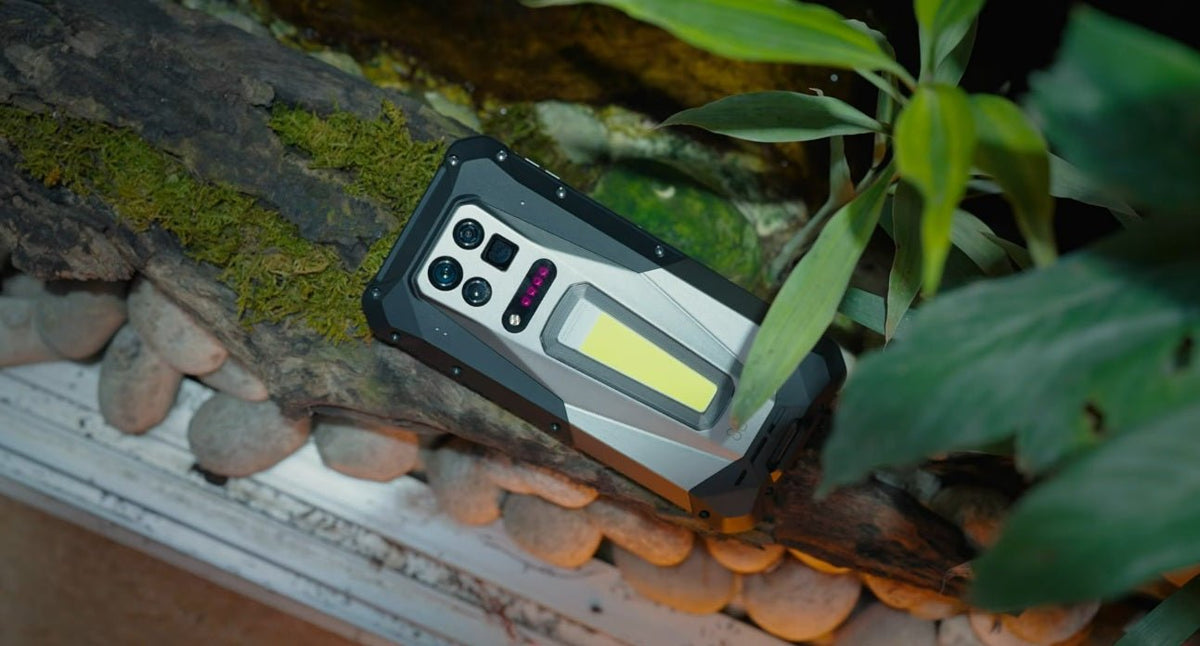
While a high-resolution display is important, it is only one part of a great smartphone experience. The 8849 Tank Series is designed with a balanced approach, combining crisp Full HD+ displays, up to QHD+, like the newly released Tank 5, with powerful hardware, exceptional battery life, and rugged durability. Rather than simply chasing the highest resolution, 8849 phones focus on delivering reliable performance in demanding environments, making them ideal for outdoor enthusiasts, travelers, field workers, and anyone who needs a phone that can keep up with everyday challenges.
Key Features of 8849 Tank Series Phones
- Sharp Full HD+ display: Delivers clear text, vibrant colors, and detailed visuals while maintaining excellent power efficiency.
- Massive battery capacity: Equipped with ultra-large batteries that provide extended usage for work, travel, and outdoor adventures.
- Rugged durability: Built with IP68, IP69K, and MIL-STD-810H protection to withstand water, dust, drops, and harsh conditions.
- High-performance hardware: Powerful processors and generous memory ensure smooth multitasking, gaming, and media playback.
- Innovative outdoor features: Selected models include built-in projectors, powerful camping lights, night vision cameras, and 5G connectivity, making them versatile tools beyond everyday communication.
Conclusion
Phone screen resolution is an important specification, but it shouldn't be viewed in isolation. A great display is the result of several factors working together, including resolution, pixel density, screen technology, brightness, and refresh rate.
For most users, a well-optimized Full HD+ display provides an excellent balance of sharp visuals, smooth performance, and battery efficiency. If you're looking for a rugged smartphone that combines a high-quality display with long battery life and reliable performance, the 8849 Tank Series is well worth considering.
FAQs
What is a good screen resolution for a phone?
For most users, Full HD+ (1080 × 2400) is the ideal phone screen resolution. It offers sharp text, clear images, and excellent video quality while maintaining good battery life. If you primarily browse the web, watch videos, or play games, a Full HD+ display is more than sufficient for everyday use.
Are phone screens 1080p?
Yes, many smartphones have 1080p (1920 × 1080) displays, especially older flagship models and some budget or mid-range devices. However, most modern smartphones use Full HD+ (FHD+) resolutions such as 1080 × 2400 or 1080 × 2340. These displays retain the same 1080-pixel width but add more vertical pixels to fit today's taller screen designs, providing a similar level of sharpness while offering more screen space.
Is 1920×1080 a screen size?
No. 1920 × 1080 is a screen resolution, not a screen size. It describes the number of pixels displayed on the screen (1,920 pixels wide and 1,080 pixels tall). Screen size, on the other hand, is measured diagonally in inches, such as 6.1 inches or 6.7 inches.
Deli:
AMOLED vs IPS Display: What's the Difference?
Choosing the Right Size for Your Phone