

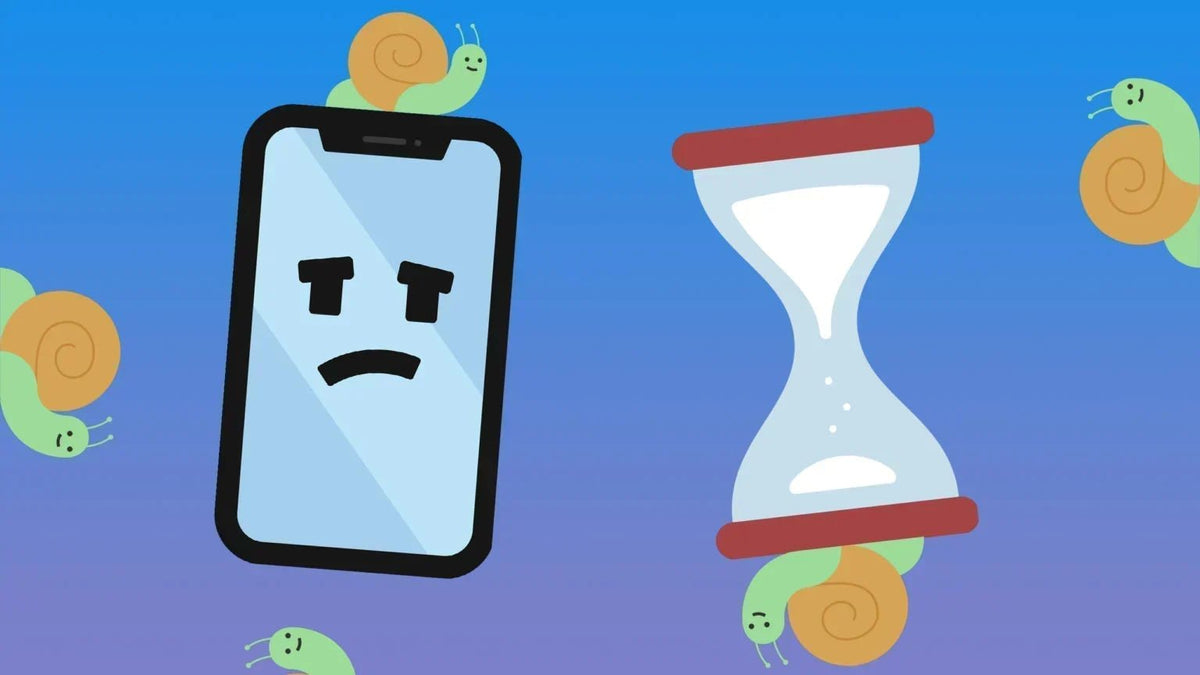
A phone that used to feel fast can suddenly start stuttering, taking longer to open apps, or responding a second too late to your taps. Phone lag can happen for many reasons, from low storage and too many background processes to overheating, software issues, or aging hardware. The good news is that a lagging phone does not always mean you need a new one. In many cases, identifying what is slowing your phone down and making a few simple changes can bring its performance back to normal.
What Does It Mean When Your Phone Is Lagging?
Phone lag means your device is taking longer than expected to respond to what you are doing. You may notice a delay after tapping an app, choppy scrolling, or a few seconds of waiting before the phone catches up with your commands. It can happen occasionally or become a regular problem that makes everyday tasks frustrating.
Common signs of a lagging phone include:
- Apps take longer to open or switch between
- Scrolling feels choppy or less responsive
- The keyboard takes a moment to display what you type
- Taps or swipes register with a noticeable delay
- Apps freeze, stutter, or close unexpectedly
- Animations and transitions become noticeably slower
Not every brief delay means there is a serious performance problem. Phones can slow down temporarily when they are handling demanding tasks, running low on available resources, or dealing with too much heat. However, if these symptoms appear frequently across different apps and tasks, it is worth finding out what is causing the slowdown.
Why Is My Phone Lagging?
Phone lag rarely comes from just one thing. Your phone relies on storage, memory, software, the processor, and other hardware to keep everything running smoothly, so a problem with any of these areas can affect performance. Here are some of the most common reasons your phone may start lagging.
1. Your Phone Is Running Low on Storage
When your phone's storage is nearly full, there is less room for the system and apps to handle temporary files and other data they need. This can make some tasks feel slower and may also cause apps to behave less reliably. Large videos, photos, downloads, and unused apps are common reasons storage fills up over time.
2. Too Many Apps Are Running in the Background
Apps can continue using memory and system resources even when you are not actively looking at them. Having many resource-heavy apps running at once can put more pressure on your phone, especially on devices with limited RAM. The result may be slower app switching, delayed responses, or less smooth multitasking.
3. Your Software or Apps Are Outdated
Your phone's operating system and individual apps need regular updates to fix bugs, improve compatibility, and maintain performance. An outdated app or a software issue can sometimes cause unusual slowdowns or crashes. If the lag started after installing or updating a particular app, that app may also be part of the problem.
4. Your Phone Is Overheating
High temperatures can affect how well a phone performs. When a device gets too hot, its system may automatically reduce processor performance to control the temperature and protect its internal components. Demanding games, long periods of camera use, direct sunlight, and charging in hot conditions can all contribute to overheating.
5. Your Phone's Hardware Is Getting Older
As a phone gets older, its processor and other components may struggle more with newer apps and increasingly demanding software. Battery aging can also affect the overall experience, particularly when the device has been used heavily for several years. If your phone remains slow even after basic troubleshooting, aging hardware may be the underlying reason.
How to Fix a Lagging Phone?
Once you have a better idea of what may be causing the slowdown, you can start with a few simple fixes. You do not need to try everything at once; working through the most common solutions first can help you identify what makes the biggest difference.
Restart Your Phone
A simple restart can clear temporary system processes and give your phone a fresh start. It can be especially helpful when the lag appears suddenly or after the phone has been running for a long time. If the slowdown is caused by a temporary software issue, a restart may be enough to restore normal performance.
Free Up Some Storage Space
Check your storage and remove files, downloads, or apps that you no longer need. Moving large photos and videos to another storage location can also help create more room without deleting them permanently. Keeping a reasonable amount of free space gives your phone more room to handle everyday tasks.
Update Your Phone and Apps
Install available system and app updates, as they may include performance improvements and fixes for known bugs. If a particular app seems to be causing the problem, updating or reinstalling it can be worth trying. Keeping software current can also reduce compatibility problems as your phone continues to evolve.
Close or Remove Resource-Heavy Apps
If one or more apps are using an unusually large amount of memory or processing power, they can make the rest of the phone feel less responsive. Check which apps are consuming the most resources and close, update, or uninstall those you do not need. This can make a noticeable difference when lag is mainly related to multitasking.
Let Your Phone Cool Down
If your phone feels unusually hot, stop demanding tasks and give it some time to return to a normal temperature. Avoid using it heavily while it is charging or leaving it in direct sunlight for extended periods. Once the temperature comes down, performance may return to normal if heat was causing the slowdown.
How to Prevent Your Phone From Lagging Again?
Fixing phone lag is useful, but keeping your device in good condition can help prevent the problem from coming back. A few simple habits can reduce unnecessary pressure on your phone and help it maintain smoother performance over time.
- Keep some storage space available: Avoid filling your phone's storage to the limit, and regularly remove unnecessary photos, videos, downloads, and apps to leave enough room for normal system operations.
- Keep your software up to date: Install system and app updates when they become available, as they often include bug fixes, performance improvements, and compatibility updates.
- Remove apps you no longer use: Unused apps take up storage and may still run background processes or send notifications, so removing the ones you do not need can reduce unnecessary activity.
- Avoid excessive heat: Keep your phone away from direct sunlight and very hot environments, especially during demanding tasks or while charging, since prolonged heat can affect performance.
- Restart your phone occasionally: A periodic restart can clear temporary processes and give the system a fresh start, particularly if you frequently keep many apps open.
- Pay attention to battery and hardware health: If your phone becomes noticeably slower as it gets older, check whether battery wear or aging hardware may be contributing to the problem rather than assuming it is only a software issue.
When Should You Consider Replacing Your Phone?

Not every lagging phone needs to be replaced, especially if a restart, storage cleanup, or software update solves the problem. However, if the slowdown keeps returning despite basic troubleshooting, it may be a sign that the phone has reached the limits of its hardware. Consider replacing your phone when:
- The phone is several years old and consistently slow
- It no longer receives important software updates
- The battery or other hardware is seriously degraded
- Lag occurs across almost everything despite basic troubleshooting
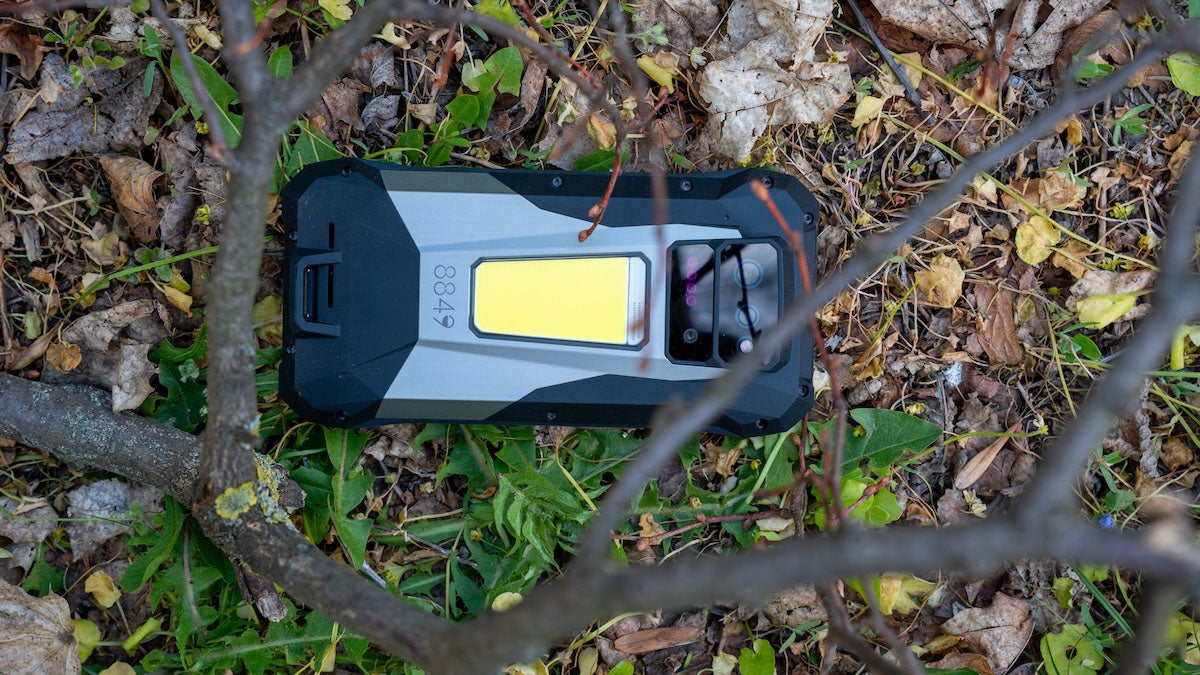
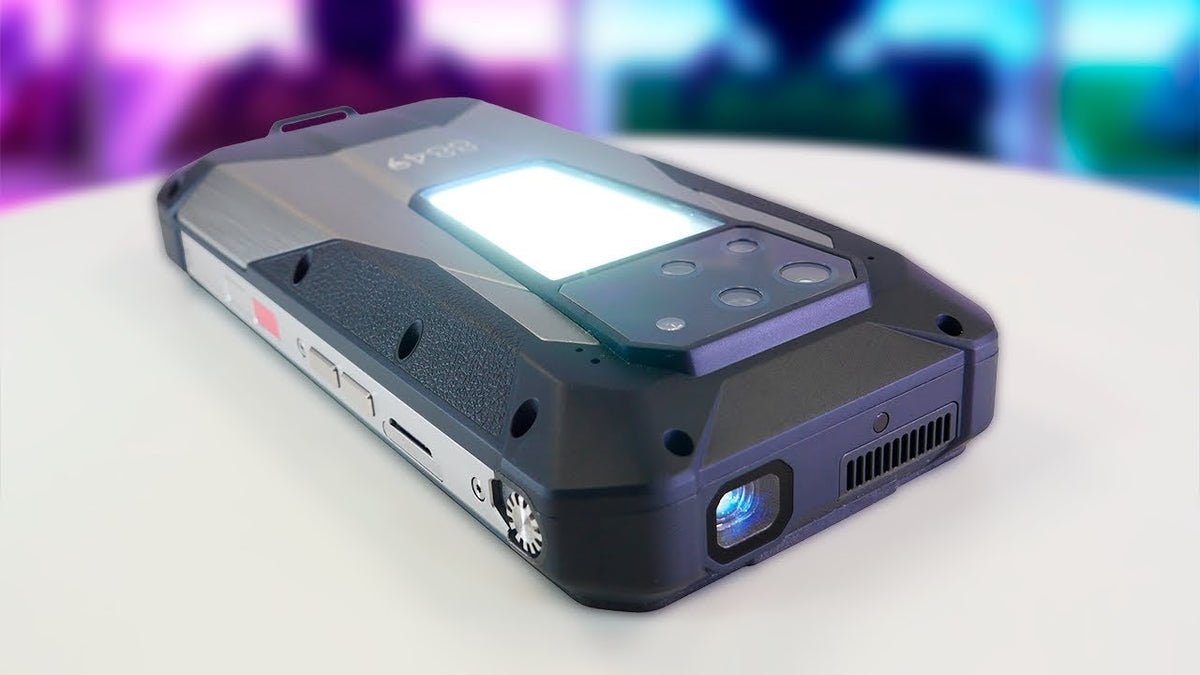
For users who want more performance headroom in a newer device, phones such as the Tank 5 and Tank 5 Pro offer up to 18GB of RAM and 512GB of storage (expandable to 2TB), giving demanding apps and multitasking considerably more room to work with. For people who regularly need large amounts of local storage, that kind of capacity can also reduce the need to constantly manage files just to keep enough space available.
Final Thoughts
Phone lag can be frustrating, but it does not always mean your device is ready for replacement. Start by checking common issues such as storage, background activity, software, and temperature, then consider an upgrade if the phone remains consistently slow despite these fixes. If you are looking for a device built with more performance headroom, 8849 phones offer options with powerful hardware and large memory capacities for demanding everyday use.
FAQs
Why is my phone lagging all of a sudden?
Sudden lag is often caused by a temporary software issue, an app running into problems, high background activity, overheating, or storage becoming nearly full. Restarting the phone and checking for recent software or app changes can often help identify the cause. If the problem continues across different apps, it may point to a broader performance or hardware issue.
Can using live wallpapers cause my phone to lag?
Live wallpapers can use additional processing power, memory, and battery because they are continuously displaying moving content. On a newer or powerful phone, the effect is usually minor, but a device with limited resources may become less responsive when combined with other demanding background processes. If you notice lag after enabling a live wallpaper, switching to a static one is an easy way to test whether it is contributing to the problem.
Why is my phone lagging even with good storage?
Having plenty of free storage does not guarantee smooth performance. Lag can still come from insufficient RAM, demanding background apps, outdated software, overheating, battery or hardware aging, or a problem with a particular app. If storage is not the issue, look at these other factors instead of continuing to delete files.
Why am I so laggy even with good internet?
A slow or unstable internet connection can make online apps and websites feel sluggish, but it is different from the phone itself lagging. If scrolling, typing, opening offline apps, or navigating the system is also delayed, the problem is likely related to the phone's performance rather than your internet. For online tasks specifically, however, server problems, network congestion, high latency, or a weak Wi-Fi or mobile signal can still make things feel slow even when your phone is working normally.

Share:
Is a Projector Phone Right for You?
Projector Phone vs Portable Projector: Which One to Choose?