

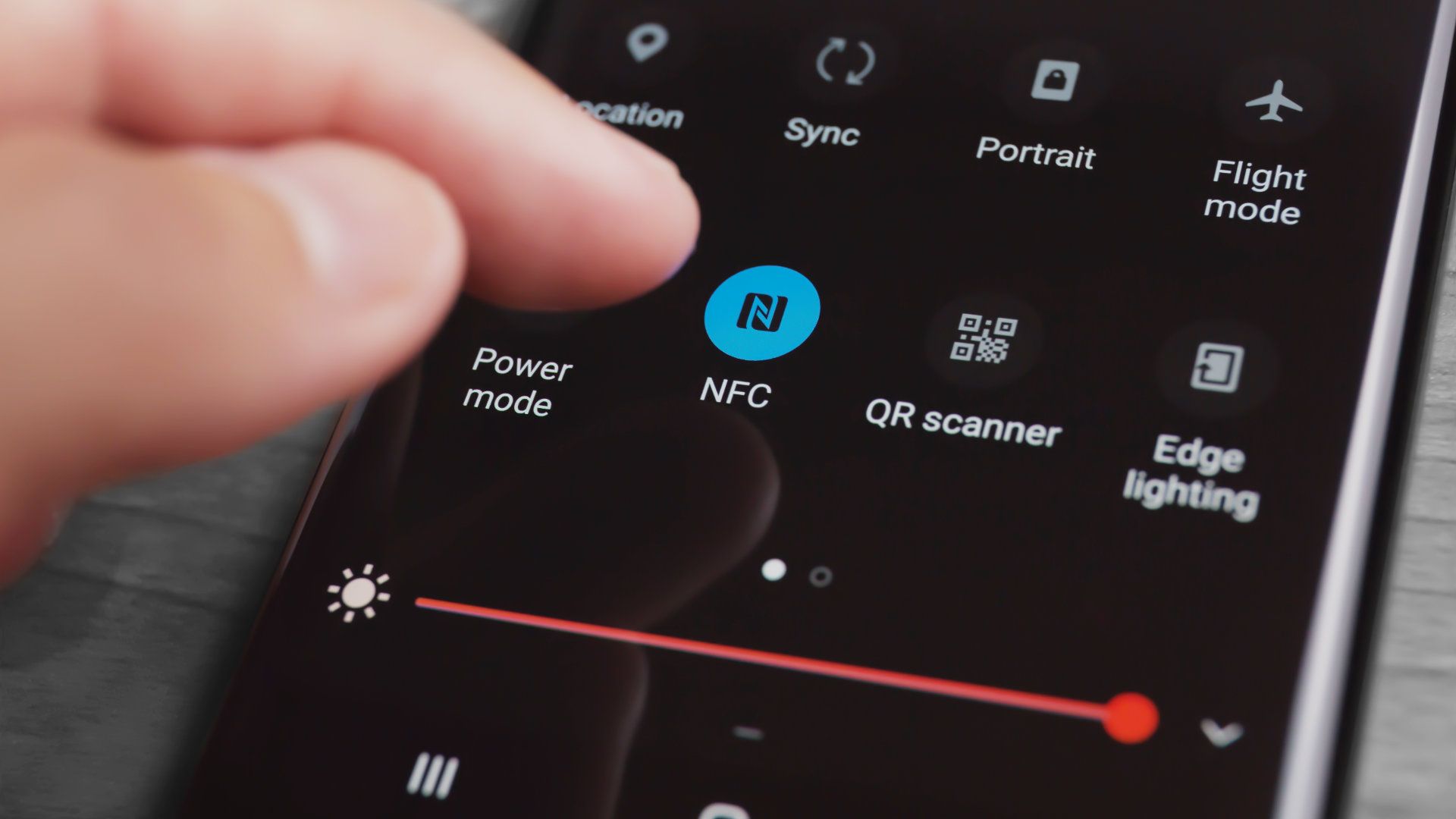
Near Field Communication (NFC) is one of those smartphone features that many people see in their settings but never fully understand. If you've ever wondered what NFC is, why your phone has it, or whether you should turn it on, you're not alone.
From tapping your phone to pay at a checkout counter to pairing wireless accessories with a single touch, NFC has become a convenient technology that quietly powers many everyday tasks. In this guide, we'll explain what NFC is, how it works, and the most common ways to use it on your phone.
What Is NFC?
NFC has become a standard feature on many modern smartphones, making it possible to complete everyday tasks with a simple tap. Before learning how to use NFC, it's helpful to understand what the technology is, how it works behind the scenes, and why it's different from other wireless communication methods.
NFC stands for Near Field Communication, a short-range wireless technology that allows two compatible devices to exchange information when they are brought very close together, typically within 4 cm (about 1.6 inches). Unlike mobile data or Wi-Fi, NFC creates a direct connection between nearby devices, making communication fast, simple, and energy-efficient. Today, NFC is widely used in smartphones, smartwatches, contactless payment cards, access badges, and many smart home devices.
How Does NFC Work?
NFC works by using electromagnetic radio waves to establish a secure, short-distance connection between two NFC-enabled devices or between a phone and an NFC tag. When the devices are close enough, they automatically communicate without requiring manual pairing or complicated setup.
Depending on the application, NFC can transfer small amounts of data, verify a payment, open a digital key, or trigger a predefined action, all within a fraction of a second. Because the communication range is so short, accidental connections are uncommon, making NFC both convenient and reliable for everyday use.
What Can You Use NFC for?
NFC is much more than a payment feature. From shopping and travel to smart home automation, this technology supports a wide range of everyday tasks that can save time and make your smartphone even more convenient to use.
Contactless Payments
One of the most popular uses of NFC is contactless mobile payments. By linking a compatible payment app to your smartphone, you can simply hold your phone near a payment terminal to complete a purchase in seconds. This eliminates the need to carry physical cards while offering a fast, secure checkout experience through encryption and biometric authentication.
Public Transportation and Digital Tickets
Many cities now support NFC for public transportation, allowing commuters to tap their phones instead of using paper tickets or transit cards. NFC is also widely used for digital event tickets, boarding passes, and parking access, making it easier to store and manage travel documents directly on your phone.
Digital Keys and Access Control
NFC can turn your smartphone into a digital key for compatible hotels, offices, apartment buildings, and even certain vehicles. Instead of carrying multiple key cards, you can unlock doors or verify your identity with a simple tap, making access both more convenient and more secure.
Pairing Bluetooth Devices
Connecting wireless accessories can be much easier with NFC. Many Bluetooth speakers, headphones, and other smart devices support NFC pairing, allowing you to establish a Bluetooth connection by simply tapping your phone against the accessory. The NFC tap initiates the pairing process automatically, eliminating the need to search through Bluetooth settings manually.
Sharing Files and Contacts
Although cloud services are now common, NFC can still be used to quickly share small amounts of information between compatible devices. Depending on your phone and operating system, you may be able to exchange contact details, website links, photos, or app information by bringing two NFC-enabled devices close together.
Using NFC Tags for Smart Automation
Programmable NFC tags can automate everyday routines with a single tap. For example, placing an NFC tag near your front door could switch your phone to silent mode, while another on your desk could connect to Wi-Fi, launch your favorite work apps, or adjust screen brightness automatically. These inexpensive tags offer a simple way to personalize your smartphone experience without opening multiple settings each time.
Benefits of Using NFC on Your Phone
Whether you're making payments, pairing devices, or automating everyday tasks, NFC offers several advantages over traditional methods. Here are some of the biggest benefits of using NFC on your smartphone:
- Fast and convenient – Complete payments, unlock compatible devices, or pair accessories with a simple tap instead of navigating through multiple settings.
- Secure communication – NFC only works over a very short distance, typically within 4 cm (1.6 inches), making unauthorized access much more difficult than with longer-range wireless technologies.
- Low power consumption – NFC uses very little battery power compared with wireless technologies that maintain continuous connections, such as Bluetooth or Wi-Fi.
- Simple device pairing – Many wireless headphones, speakers, and other smart accessories support NFC pairing, allowing devices to connect automatically after a quick tap.
- Works without an internet connection – Many NFC functions, such as reading NFC tags or pairing compatible devices, do not require Wi-Fi or mobile data. Some mobile payment systems can also complete transactions in certain offline situations, depending on the service and your device settings.
- Widely supported – NFC has become a standard feature on most modern Android smartphones and many iPhones, making it compatible with an increasing number of payment terminals, public transportation systems, hotels, and smart devices around the world.
Do You Need an NFC Phone?
Not everyone relies on NFC every day, but it's one of those features that's easy to appreciate once you start using it. If you regularly make contactless payments, use public transportation, pair wireless accessories, or want the convenience of digital keys and smart automation, choosing a phone with NFC is a worthwhile investment. Since NFC has become a standard feature on many modern smartphones, it's also a good indicator that a device is designed to support today's connected lifestyle.

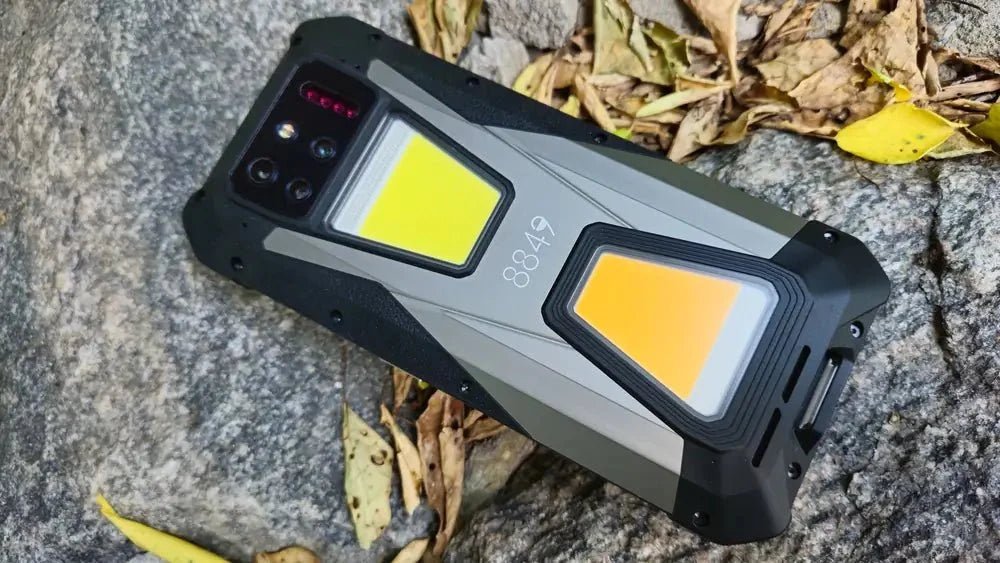
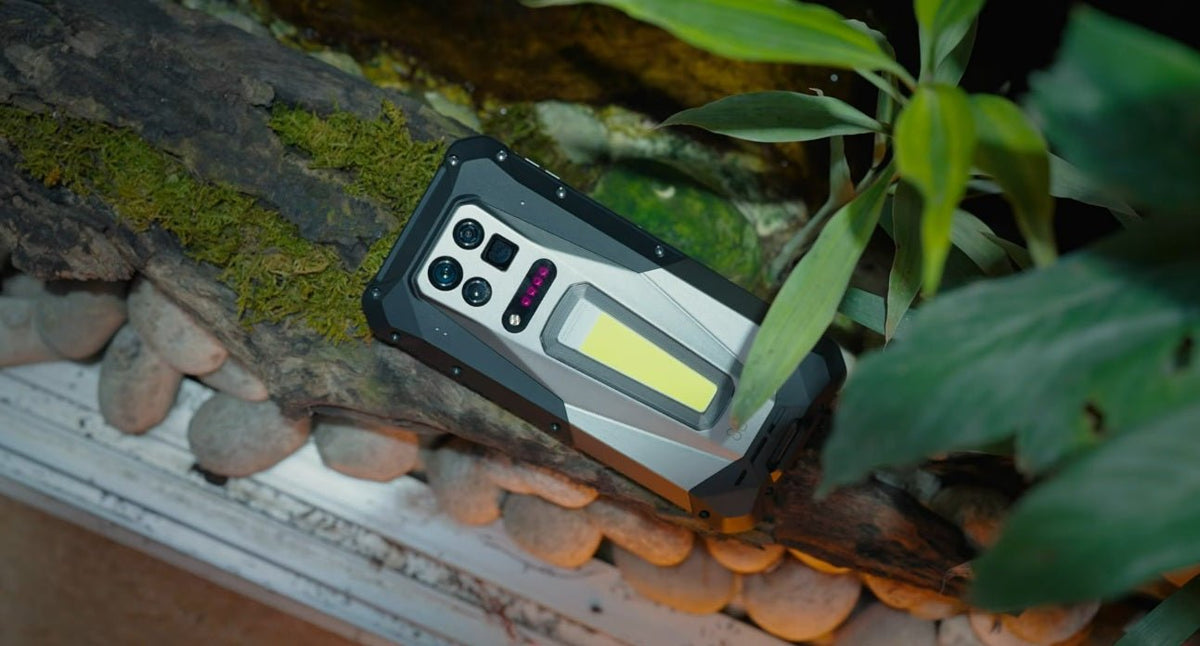
If you're looking for a phone that offers more than just NFC, the 8849 Tank 5 is worth considering. In addition to NFC for quick payments and wireless connectivity, it supports 5G for fast network performance and eSIM for greater flexibility when traveling or managing multiple phone numbers. It also features a built-in 2K projector, making it easy to share presentations or enjoy videos on a larger surface without carrying extra equipment.
As a rugged smartphone, the Tank 5 is built for users who spend time outdoors or work in demanding environments. Its durable construction and large battery provide dependable performance for long trips, job sites, and everyday use, making it a practical choice for anyone who wants a smartphone that combines modern connectivity with exceptional versatility.
Final Thoughts
NFC may seem like a small smartphone feature, but it can make everyday tasks faster, easier, and more convenient. Whether you're making contactless payments, pairing wireless accessories, using digital keys, or automating simple routines with NFC tags, the technology offers practical benefits for both work and daily life. When choosing your next smartphone, consider a device that includes NFC alongside other modern features, such as the 8849 Tank 5, so you're ready to take advantage of today's connected experiences.
FAQs
1. What does NFC do on your phone?
NFC allows your phone to communicate wirelessly with nearby compatible devices over a very short distance. It's commonly used for contactless payments, pairing Bluetooth accessories, reading NFC tags, using digital keys, and accessing public transportation systems.
2. Should my NFC be on or off?
For most users, it's perfectly fine to leave NFC turned on. It uses very little battery power and only becomes active when your phone is close to another NFC-enabled device or tag. If you never use NFC features, you can turn it off, but leaving it enabled generally won't affect your phone's performance or battery life.
3. Can I install NFC on my phone?
No. NFC requires dedicated hardware built into the smartphone, so it can't be added by installing an app. If your phone doesn't include an NFC chip, you'll need to use another device that supports NFC to access its features.
4. How do I check if my phone has NFC?
The easiest way is to open your phone's Settings and search for "NFC." If an NFC option appears, your phone supports the feature. You can also check your phone's specifications on the manufacturer's website or in the product documentation.
Share:
What Is Fast Charging: A Complete Guide
NFC vs. Bluetooth: What's the Difference?