

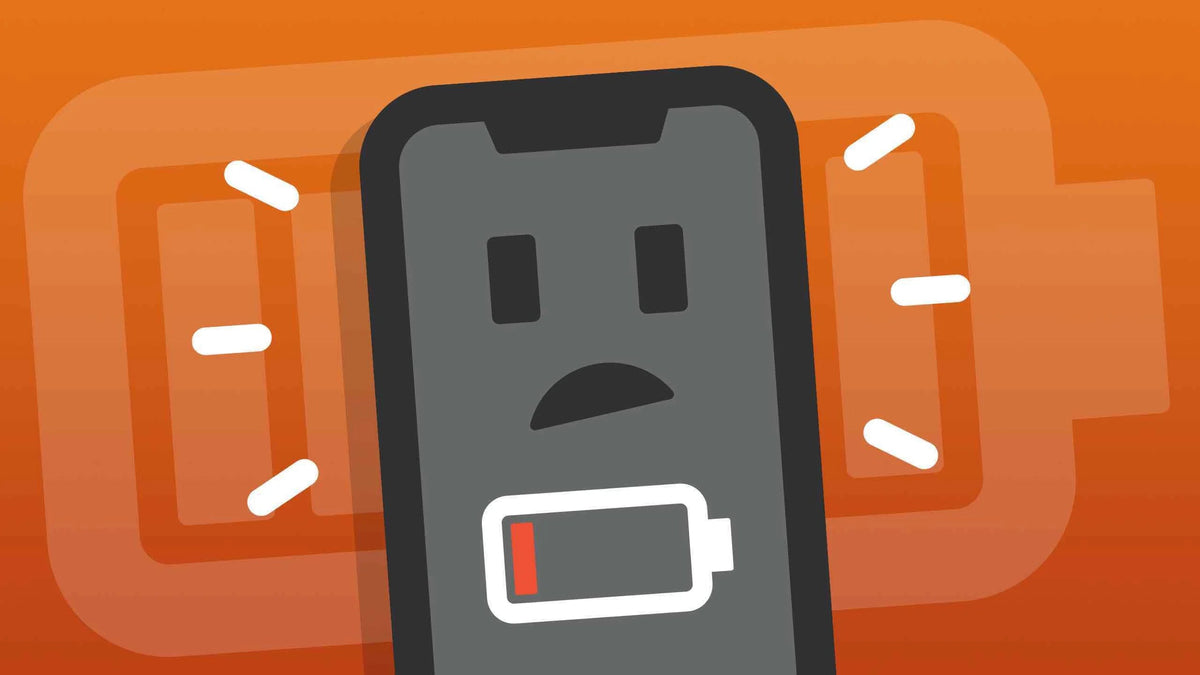
A phone battery naturally loses some of its capacity over time, but the way you use and charge your device can affect how quickly that happens. Frequent exposure to heat, poor charging habits, and unnecessary battery drain can all reduce everyday battery performance.
The good news is that battery maintenance does not have to be complicated. A few simple habits can help your phone hold a charge more effectively and remain reliable for longer. Here are some practical tips for maintaining phone battery life and long-term battery health.
1. Avoid Extreme Temperatures
Temperature is one of the biggest factors to watch when maintaining a phone battery. Try to keep your phone away from excessive heat, especially when charging or running demanding apps. Avoid leaving it in direct sunlight, inside a hot car, or under other conditions where the device can become unusually warm.
Cold temperatures can also affect battery performance. A phone may drain faster or temporarily show reduced battery capacity when used in very cold environments. If the device becomes extremely cold, allow it to return to a normal temperature gradually rather than immediately applying heat.
For people who regularly use their phones outdoors or in demanding environments, rugged phones can provide an extra layer of protection against harsh conditions. However, even a rugged device still benefits from sensible temperature management.
2. Use Better Charging Habits
Good charging habits do not require constantly watching your battery percentage. Try to charge your phone when it is convenient instead of regularly waiting until the battery is almost completely drained. If you need to charge during the day, there is no problem with giving the phone a quick top-up.
It is also a good idea to avoid unnecessary heat while charging. Do not cover the phone with blankets or other materials that trap heat, and avoid charging it in very hot environments. If the phone becomes unusually warm during charging, give it some time to cool down.
There is also no need to be afraid of charging your phone to 100%. Modern phones are designed to manage charging automatically, and reaching a full charge occasionally or regularly is normal. If you need the maximum battery life for a long day, travel, or outdoor activity, charging the phone fully is a practical choice.
3. Use the Right Charger and Cable
Whenever possible, use the original charger, power adapter, and cable that come with your phone. They are designed to work with the device's charging requirements and can help ensure stable and reliable charging. If you need a replacement, choose one from the phone manufacturer or a reputable brand that clearly supports your device's charging specifications.
Avoid using damaged cables, loose connectors, or poorly made charging accessories. A cable with exposed wires or a connector that frequently disconnects can cause inconsistent charging and may create safety problems.
Fast charging can be useful when you need to recharge quickly, but it is still important to use compatible equipment. The charger and cable should support the charging standard and power requirements of your phone rather than simply choosing the highest wattage available.
4. Reduce Unnecessary Battery Drain
Apps and system features running in the background can gradually consume battery even when you are not actively using your phone. Check your battery usage settings from time to time to see which apps are using the most power, and restrict background activity for apps that do not need to run constantly.
Simple settings can also make a noticeable difference. Lowering screen brightness when possible, turning off unnecessary location services, and disabling connectivity features you are not using can help reduce daily battery consumption. Features such as high refresh rates and always-on displays may also use more power, so consider adjusting them when battery life is more important than maximum display performance.
You do not need to turn off every feature to save battery. The goal is to remove unnecessary consumption while keeping the functions you actually use. A phone that uses less power throughout the day may also need to be charged less frequently.

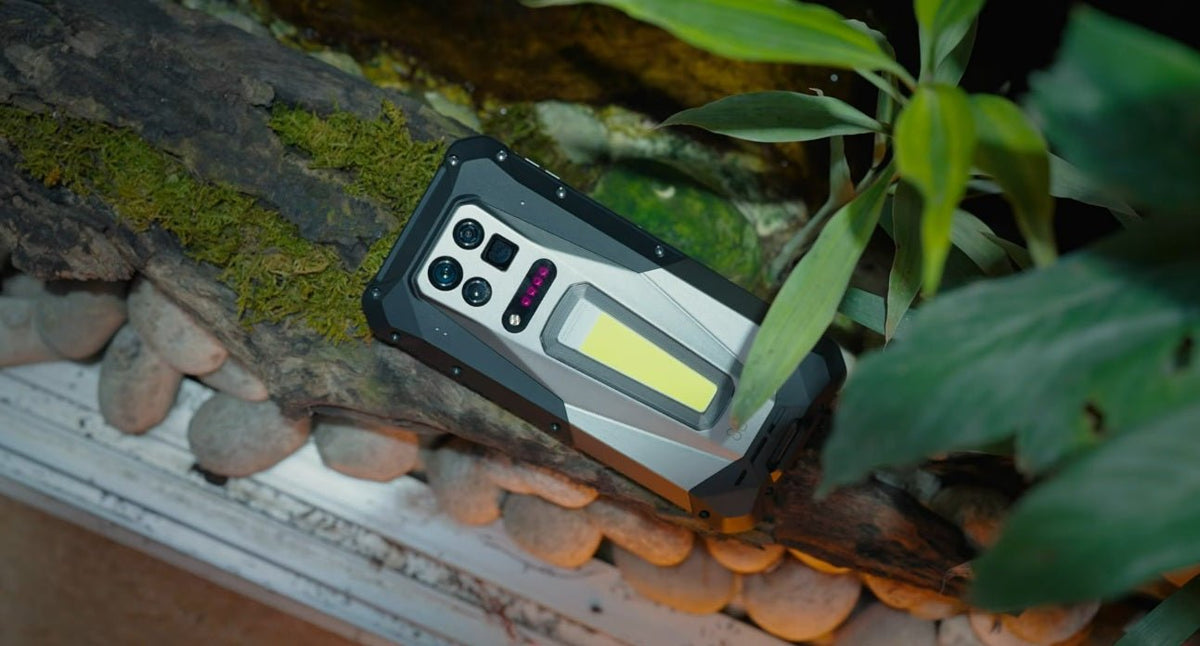
Image: 8849 Tank 5 Pro Rugged Phone
5. Keep Your Phone Software and Apps Updated
Keeping your phone's operating system and apps updated can help maintain stable performance and battery efficiency. Updates may fix software bugs, improve power management, and resolve apps that consume more battery than they should. If you notice unusual battery drain, checking for available system or app updates is a useful step.
However, do not be surprised if battery consumption and heat temporarily increase after a major operating system update. The phone may continue optimizing the system, processing files, and adapting apps in the background after the update is completed. This can make battery life seem worse for a while, but it often improves gradually once these processes finish.
It is also worth checking which apps are running in the background after an update. If one app continues to consume an unusual amount of power for an extended period, updating the app, restricting its background activity, or looking for an alternative may help.
6. Protect the Phone From Physical and Environmental Damage
Battery maintenance is not only about charging and software. Protecting the phone from drops, water, dust, and other environmental hazards can also help preserve its internal components and charging port over time. Keep the phone away from unnecessary impacts and moisture, and make sure the charging port is clean and dry before connecting a cable.
If you regularly use your phone in demanding environments, a rugged phone can provide additional protection against physical and environmental damage. For example, the 8849 Tank 5 Pro is designed for harsh outdoor use, combining a rugged build with features such as water and dust resistance, thermal imaging, and night vision. This type of design can be useful when protecting the phone itself is just as important as maintaining its battery.
7. Watch for Signs of Battery Wear
You usually cannot see the battery inside a modern phone, but changes in everyday performance can reveal that it is starting to wear out. Noticeably shorter battery life, unexpected shutdowns, unusually slow charging, or a battery percentage that drops unusually quickly can all be signs worth paying attention to.
Also watch for unusual heat during normal use or charging. If the phone becomes significantly hotter than usual without a clear reason, check its battery and app usage. Physical changes such as a swollen back cover, raised screen, or other signs of battery swelling should not be ignored.
Battery wear is a normal part of long-term phone use, but serious symptoms should not be treated as something to work around. If you suspect the battery is damaged or swollen, stop using the device and have it inspected or replaced by a qualified service professional.
Final Thoughts
Good battery maintenance is mostly about building sensible habits rather than following strict rules. Keeping your phone away from extreme temperatures, using appropriate charging equipment, reducing unnecessary battery drain, and protecting the device from physical damage can all help it remain reliable over time. For users who regularly work or spend time in demanding environments, rugged phones can provide additional protection while still benefiting from the same basic battery-care habits.
FAQs
What is the 40 to 80 rule for batteries?
The 40 to 80 rule suggests keeping a phone battery between roughly 40% and 80% charge to reduce the amount of time it spends at very low or very high charge levels. It can be a useful habit for people who want to prioritize long-term battery health, but it is not a strict requirement. Modern phones are designed to manage charging automatically, and normal charging outside this range is perfectly fine.
Is it better to charge to 80 or 100?
Charging to around 80% may help reduce battery wear over the long term, especially if you do not need a full charge. However, charging to 100% is also normal and useful when you need the longest possible battery life for the day. If you are traveling, working outdoors, or expect limited access to a charger, charging fully is a practical choice.
Can battery health go back to 100%?
No. Once a rechargeable battery has experienced normal chemical aging and lost some of its original capacity, its actual battery health cannot be restored to 100% through charging, software settings, or maintenance habits. Good battery care can slow further degradation, but a worn battery generally needs to be replaced if its reduced capacity begins to affect everyday use.

Share:
What Does MIL-STD-810 Mean for a Phone?