

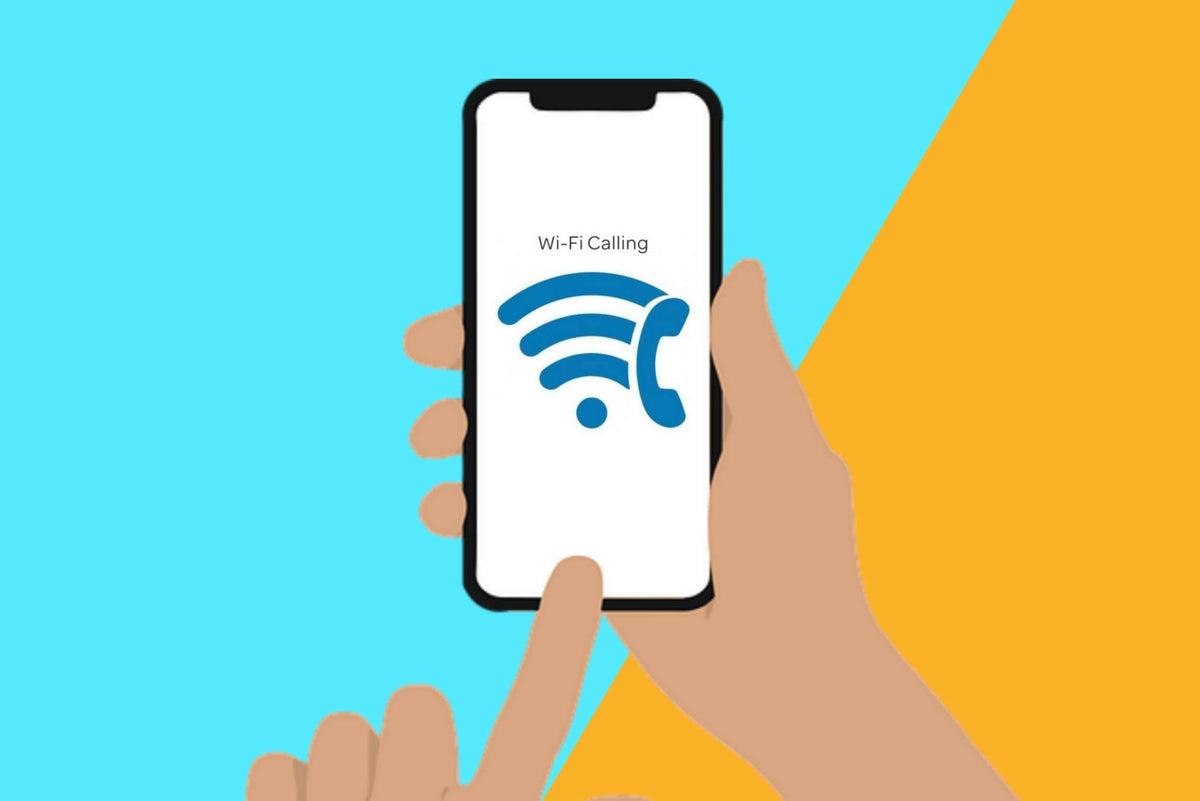
Wi-Fi Calling can be useful when your cellular signal is weak, but you still have access to a reliable Wi-Fi connection. Instead of relying entirely on a nearby cell tower, your phone can use Wi-Fi to connect your calls and, on supported devices and carriers, messages.
If you have ever wondered how this works or whether Wi-Fi Calling is different from making calls through apps, this guide will walk you through what Wi-Fi Calling is, how it works, when it can be useful, and what you should know before using it.
What Is Wi-Fi Calling?
Wi-Fi Calling is a feature that allows your phone to make and receive calls over a Wi-Fi connection instead of relying on a cellular network. When your cellular signal is weak or unavailable, but you have a stable Wi-Fi connection, your phone can use that connection to communicate with your carrier's network. In most cases, you can use your regular phone number and the phone's built-in dialer, so the person on the other end receives the call just like a normal cellular call.
Wi-Fi Calling is different from making calls through apps such as WhatsApp, Messenger, or other internet calling services. Those services typically require both users to use the same app or platform, while Wi-Fi Calling is integrated into your regular mobile service. However, it is not automatically available on every phone or network. Your device, mobile carrier, and sometimes your specific plan must support Wi-Fi Calling before you can use it.
How Does Wi-Fi Calling Work?
Wi-Fi Calling may sound complicated, but the basic process is quite straightforward. When the feature is supported and enabled, your phone can use a Wi-Fi connection to reach your carrier's network and handle the call. The process generally works like this:
- Your phone connects to a Wi-Fi network.
- Wi-Fi Calling is enabled and supported by your carrier.
- The phone establishes the connection through the carrier's network over the internet.
- Your voice is transmitted through Wi-Fi instead of the nearby cellular network.
- The recipient receives the call like a normal phone call.
You do not need to manually choose Wi-Fi every time you make a call. When Wi-Fi Calling is available, your phone and carrier handle the connection automatically. If the Wi-Fi connection becomes unavailable, some devices and carriers can switch the call to a cellular network, although the exact behavior depends on the phone and carrier. In other words, Wi-Fi Calling does not replace cellular calling; it gives your phone another way to connect when Wi-Fi is the better available option.
When Is Wi-Fi Calling Useful?
Wi-Fi Calling is most useful when your phone has access to a reliable Wi-Fi connection but cellular coverage is limited. In everyday situations, it can provide an alternative connection for calls and messages when the cellular network is not the best option.
Weak cellular signal inside buildings
Cellular signals can become weak inside buildings, especially in basements, offices, hotels, or buildings with thick walls. If Wi-Fi is available and your phone supports Wi-Fi Calling, you can still make and receive calls without relying entirely on the cellular signal.
Rural Areas where cellular coverage is poor
Some rural or remote areas have limited cellular coverage but reliable internet access through Wi-Fi. In these situations, Wi-Fi Calling can help you stay connected even when a nearby cell tower cannot provide a strong enough signal.
Indoors with reliable Wi-Fi coverage
Even in areas with generally good cellular coverage, walls and building materials can interfere with mobile signals. Wi-Fi Calling can be particularly useful at home, in large commercial buildings, or in other indoor spaces where Wi-Fi coverage is stronger than cellular reception.
Potentially useful when traveling
Wi-Fi Calling can also be useful while traveling, particularly when you have access to reliable Wi-Fi but limited cellular coverage. However, how calls and messages are handled while abroad depends on your carrier's policies, so it is worth checking the terms of your mobile plan before relying on the feature overseas.
What Are the Benefits and Limitations of Wi-Fi Calling?
Wi-Fi Calling can be a convenient way to stay connected when cellular coverage is not ideal, but it is not a perfect replacement for a mobile network. Its usefulness depends on factors such as your device, carrier, Wi-Fi connection, and location, so it is worth understanding both its benefits and limitations before relying on it.
Benefits:
- Works where cellular coverage is weak
- Uses your existing phone number
- No separate calling app is normally required
- Can improve call reliability indoors
- Can reduce reliance on cellular coverage
Limitations:
- Your phone and carrier must support the feature
- A poor or unstable Wi-Fi connection can affect calls
- Carrier fees and international calling rules may vary
- Emergency calling can have additional requirements, such as registering an address
- Not every Wi-Fi network will necessarily work perfectly with Wi-Fi Calling.
How to Turn On Wi-Fi Calling on Your Phone
Turning on Wi-Fi Calling usually takes only a few steps, although the exact settings can vary depending on your phone model, software version, and mobile carrier. Here is the general process for Android phones and iPhones.
Android:
- Open Settings.
- Go to Network & Internet, Connections, or SIMs.
- Select your mobile network or SIM card.
- Find and turn on Wi-Fi Calling.
iPhone:
- Open Settings.
- Tap Cellular.
- Select the phone line you want to use.
- Tap Wi-Fi Calling and turn it on.
If you cannot find the Wi-Fi Calling option, your phone or carrier may not support the feature, or it may need to be enabled by your carrier first. Once enabled, your phone will generally indicate when Wi-Fi Calling is being used, although the exact indicator varies between devices and carriers.
Comparing Wi-Fi Calling vs. Cellular Calling
Wi-Fi Calling and cellular calling both let you make regular phone calls using your existing mobile service, but they rely on different connections. The main difference is where your phone sends the call when you are connected: Wi-Fi Calling uses a Wi-Fi network, while cellular calling uses the mobile network.
| Feature | Wi-Fi Calling | Cellular Calling |
|---|---|---|
| Connection | Wi-Fi network | Cellular network |
| Phone number | Usually your existing number | Your existing number |
| Requires Wi-Fi | Yes | No |
| Requires cellular signal | Not necessarily | Yes |
| Best use case | Weak cellular coverage with reliable Wi-Fi | Areas with strong cellular coverage |
| Carrier support | Required | Part of standard mobile service |
Final Thoughts
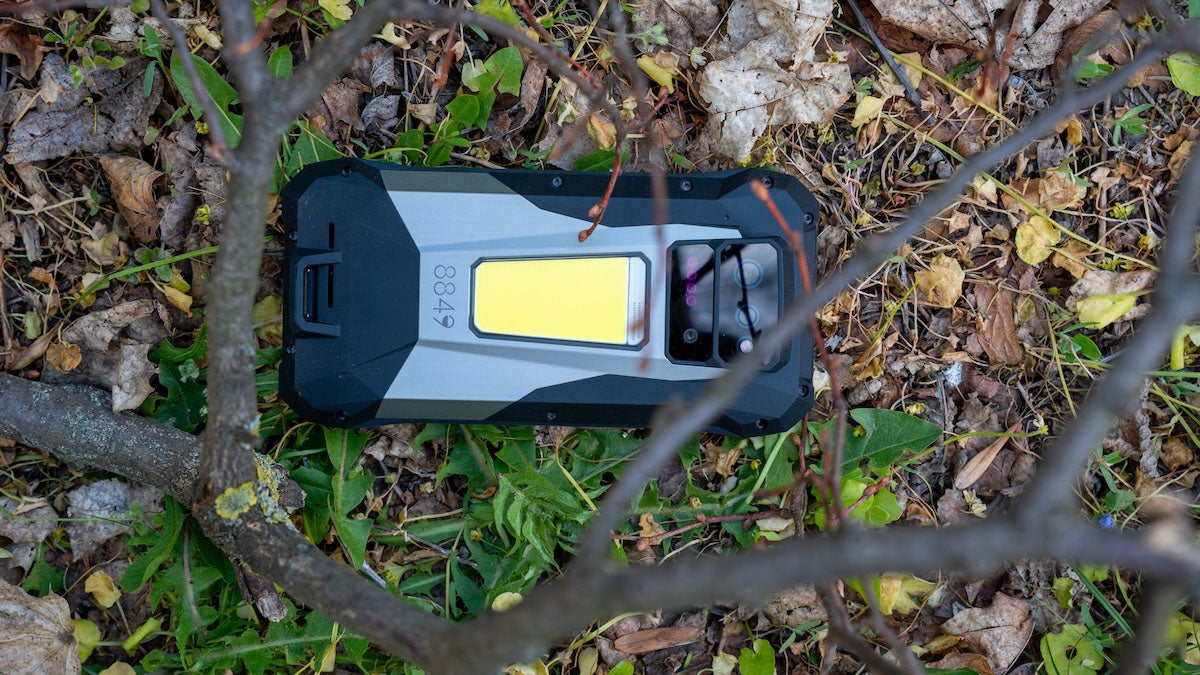
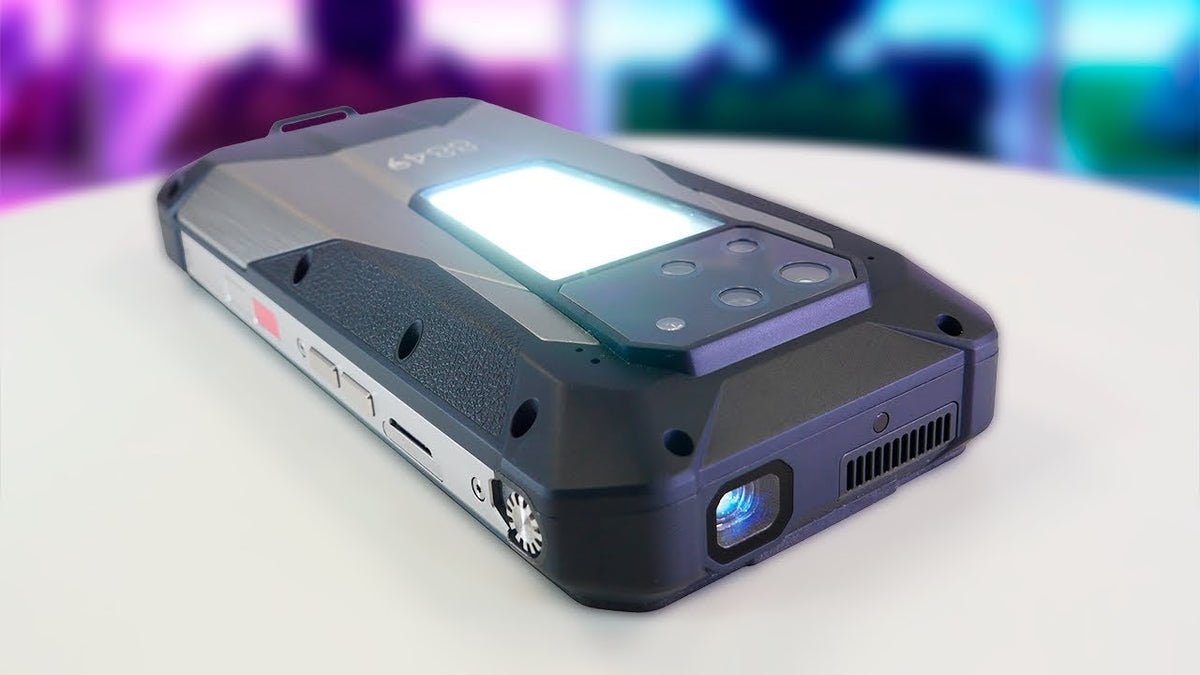
Wi-Fi Calling is a useful connectivity feature that can help you stay in touch when cellular coverage is weak but a reliable Wi-Fi connection is available. As smartphones continue to combine more connectivity options with specialized hardware, devices such as 8849 rugged phones are designed to keep you connected in demanding environments, alongside features built for outdoor and professional use. Before relying on Wi-Fi Calling, however, always check whether your specific phone and carrier support the feature.
Frequently Asked Questions (FAQs)
1. Should I Keep Wi-Fi Calling On or Off?
For most people, keeping Wi-Fi Calling on is reasonable, especially if you often use your phone in places with weak cellular coverage but reliable Wi-Fi. Your phone can use Wi-Fi when it is helpful, while cellular calling can remain available when Wi-Fi Calling is not being used.
2. What Is the Downside to Wi-Fi Calling?
The main downside is that call quality can depend on the quality and stability of your Wi-Fi connection. Wi-Fi Calling also requires support from both your phone and carrier, and carrier policies may affect features such as emergency calls and international calling.
3. Is Wi-Fi Calling Free?
Wi-Fi Calling itself is generally not an additional charge, but calls and messages can still be subject to your mobile plan and carrier's normal rates. International calls, in particular, may have different charges, so check your carrier's pricing and policies before using Wi-Fi Calling abroad.

Share:
Why Is My Phone Battery Dying So Fast?
Is a Projector Phone Right for You?