

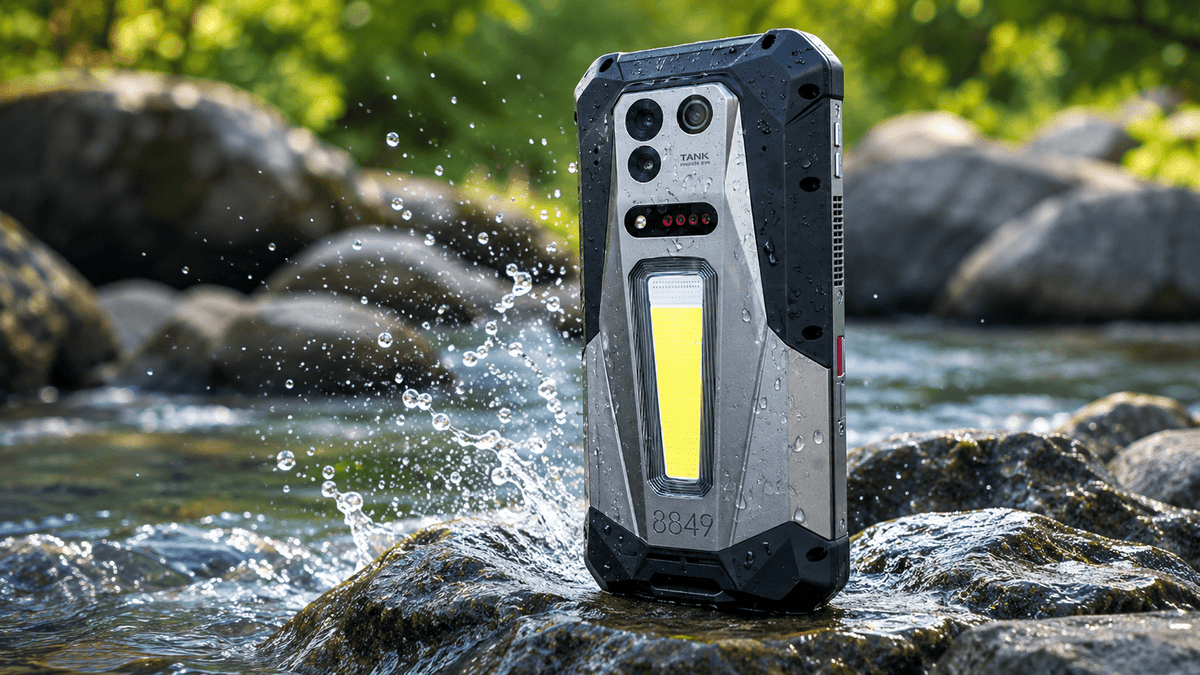
It takes about a second. The phone slips out of your hand and lands in a sink, a pool, a puddle, or a toilet, and everything you were about to do stops. What happens next depends on a few things: how long it stayed under, what kind of water it was, whether the phone was on, and what you do in the first few minutes.
This guide explains what actually happens inside a phone when it gets wet, what to do right away, which popular tips make things worse, and how to tell whether your phone survived. It also covers what water-resistance ratings really mean, so you know how much protection to expect next time.
What Happens Inside a Phone When It Gets Wet?
Water gets into a phone through its openings: the charging port, speaker grilles, microphone holes, SIM tray, and seams around buttons. Once inside, it can reach the circuit board and the battery connections.
The most immediate risk is a short circuit. Water conducts electricity, so a phone that is powered on can have current flow between points that should stay separate, which can damage components in seconds. The slower risk is corrosion. Even after a phone looks dry, moisture left on metal contacts can slowly corrode them over days or weeks, causing problems that appear long after the drop.
Water can also fog the inside of a camera lens, muffle the speaker, and interfere with the touchscreen, usually temporarily if the phone dries out properly.
Does the Type of Water Affect Phone Damage?
Yes, a lot. Clean fresh water is the least harmful. Saltwater is far worse, because salt is left behind as the water evaporates and speeds up corrosion. Pool water contains chlorine and other chemicals, and soapy, sugary, or dirty water leaves residue that can block contacts or attract more moisture.
If your phone went into anything other than clean, fresh water, treat the situation as more serious, and consider professional cleaning even if the phone seems to work.
What Should You Do in the First Few Minutes?
The first few minutes after a phone goes into water are the most critical. Water can quickly reach internal components, and any electrical activity while moisture is still present greatly increases the chance of short circuits and permanent damage. Acting quickly and correctly gives your phone the best chance of recovery. Follow these steps carefully:
- Remove the phone from the water immediately. Every extra second submerged allows more liquid to work its way past seals and into ports.
- Power the phone off right away. Do not try to unlock it, check the screen, or test whether it still works. If the screen is already dark, leave it off. Running electricity through wet circuits is one of the fastest ways to turn a recoverable phone into a dead one.
- Unplug any cables and remove the case. Disconnect chargers, headphones, or other accessories. Take off the case so trapped water can escape, and air can reach the device more easily.
- Remove the SIM tray and any memory card if you can do so easily. Opening these slots creates additional pathways for moisture to drain and for air to circulate.
- Gently wipe the exterior with a soft, dry, lint-free cloth. Focus on the screen, back, and around the ports. Avoid rubbing hard or pushing moisture deeper into openings.
- Hold the phone with the charging port facing down and gently tap it against your palm a few times. This helps excess water drain out of the ports and speaker openings. Do not shake the phone vigorously.
- Place the phone in a dry, well-ventilated area and leave it alone for at least 24 hours (48 hours is better after a full submersion).
Patience at this stage still matters, but modern smartphones are far more resilient than older models. Many water-resistant phones (especially those with IP67 or IP68 ratings) will survive a quick dunk with little or no lasting damage if you retrieve them promptly. The steps above are mainly precautions to reduce risk in the less common cases where water does get inside — they do not mean every phone that touches water is immediately in serious trouble.
What Should You Never Do?
When a phone gets wet, it’s natural to want to fix it as quickly as possible. Unfortunately, several common “rescue” methods that circulate online can do more harm than good. Some of them push moisture deeper into the device, introduce new debris, or create the exact conditions that cause permanent damage. Knowing what to avoid is just as important as knowing the right steps. Here are the main things you should never do:
- Don’t charge the phone while it’s wet. Moisture in the charging port combined with electricity can cause corrosion or short circuits that permanently damage the device.
- Don’t use a hair dryer, oven, radiator, or any other heat source. Heat can damage the battery, weaken internal adhesives, and push moisture further inside.
- Don’t use compressed air. The force of the air can drive water deeper into the phone instead of removing it.
- Don’t poke objects into the ports. Cotton swabs, paper towels, tissues, or any other tools can leave fibers behind or bend the delicate contacts.
- Don’t rely on a bag of rice. Rice is not effective at drawing moisture out of modern sealed phones, and the dust or starch particles it leaves behind can create additional problems in the ports and speakers.
Plain airflow and patience remain the safest approach. If you have silica gel packets available, placing them near the phone in a sealed container can help absorb moisture, but they are only a supporting measure—not a guaranteed fix.
How Long Does It Take for a Wet Phone to Dry?
Some effects show up immediately, and others take days. Within the first hour or two, you may see a dead screen, no response when charging, or a muffled speaker. Once the phone has dried for several hours, you can try turning it on, and a phone that boots normally is a good sign, though not a guarantee.
Over the following days, watch for warning signs:
- Battery draining unusually fast or the phone getting warm
- Camera photos looking foggy or spotted
- Touchscreen glitches or ghost touches
- Speaker or microphone problems
- Charging errors or moisture alerts
- A liquid contact indicator showing damage, if your phone has one
Delayed corrosion is why a phone that works on day one can fail on day ten.
When Should You Take It to a Repair Shop?
Take the phone to a professional if it does not turn on after drying, if it fell into saltwater, pool water, or any dirty liquid, or if symptoms appear in the following days. A technician can open the phone, clean corroded parts, and replace damaged components far more safely than you can at home.
Back up your data as soon as the phone works again, since water damage can cause failures later. If the battery looks swollen or the phone becomes very hot, stop using it and get it checked right away.
Can a Water-Resistant Phone Survive Being Dropped in Water?
Often, yes, but with limits. Water resistance is described with an IP rating. In IP68, the 6 means the phone is fully dust-tight, and the 8 means it can withstand continuous immersion under conditions the manufacturer specifies, usually deeper than 1 meter for a stated time.
Those conditions matter. Ratings are typically tested in still, fresh water in a laboratory, so they do not promise protection from saltwater, pool water, soap, or hot water. Seals also wear over time, so an older phone may be less resistant than a new one. And many warranties exclude water damage, so a rated phone is not always a covered phone.
Is a Rugged Phone Safer Around Water?
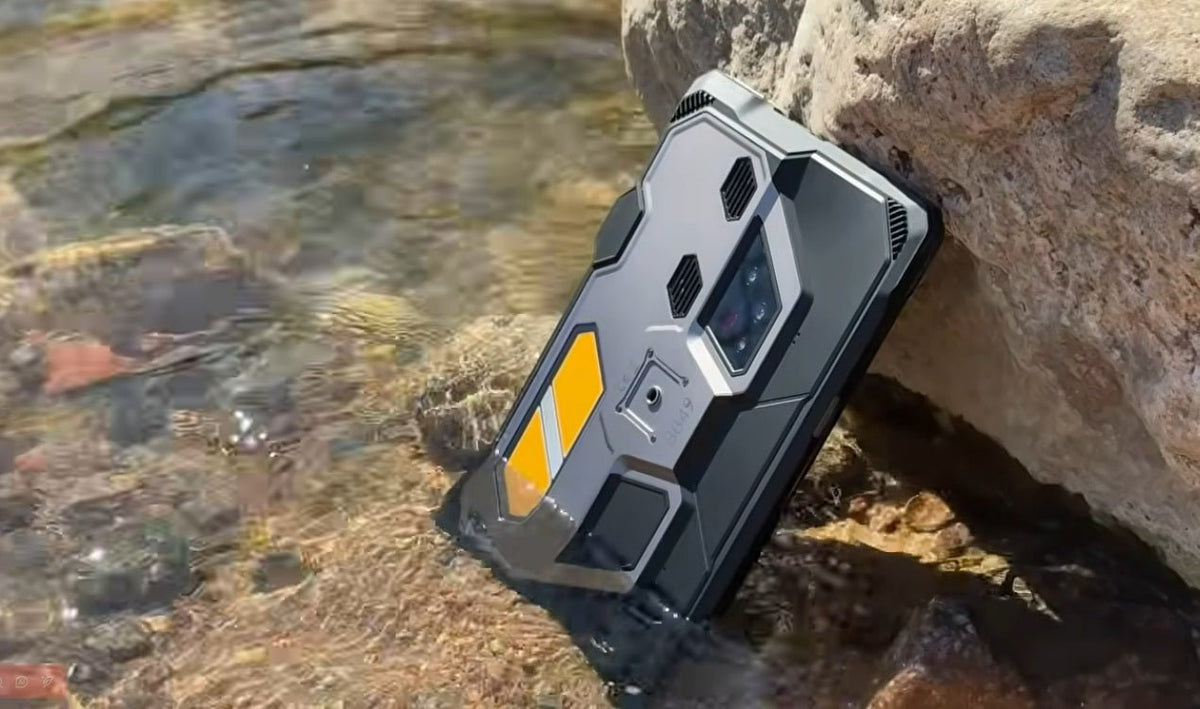
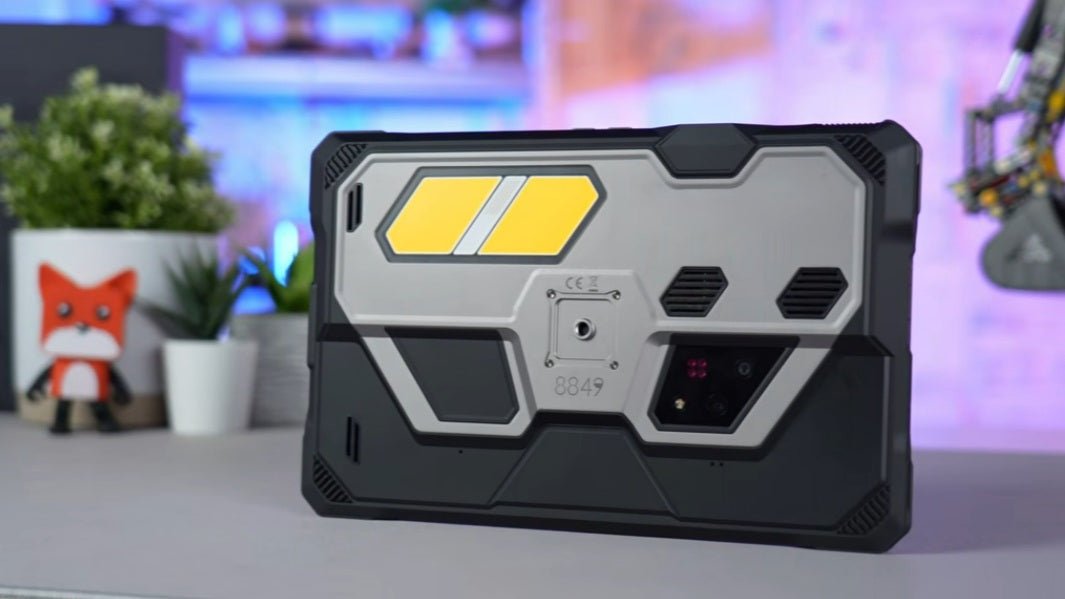
A rugged phone is a smartphone built with a reinforced frame, sealed ports, and a larger battery, and its protection ratings are designed with the real-world mishaps in this article in mind. For people who work or play near water, a rated body can turn a bad moment into a rinse and a dry-off.
The 8849 TANK 5 represents this approach. It is rated IP68/IP69K, and the testing follows IEC 60529 under controlled laboratory conditions, with static freshwater immersion up to 1.8 meters for a maximum of 30 minutes. The company is also clear about the limits: water, dust, and drop resistance are not permanent, and saltwater, pool water, and chlorinated liquids are not covered.
That honesty is worth looking for in any phone. A rating tells you what a phone survived in a lab, and the manufacturer’s stated limits tell you how much to trust it near the beach, the pool, or a job site.
Conclusion
When a phone falls in water, the outcome depends mostly on the first few minutes. Turning it off, keeping it unplugged, drying it gently, and giving it time to air out gives it the best chance, while rice, heat, and compressed air tend to do more harm than good. Saltwater and pool water are more dangerous than fresh water, and delayed corrosion means a phone that works today can still fail later.
For the future, think about where your phone spends its time. A water-resistant rating reduces the risk and a rugged, well-sealed body reduces it further, but no phone is waterproof forever. Read the stated test conditions, avoid saltwater and chemicals where you can, and back up your data either way.

Share:
Understanding Rugged Phone Camping Light
Construction Phone Guide: How to Choose a Rugged Phone