

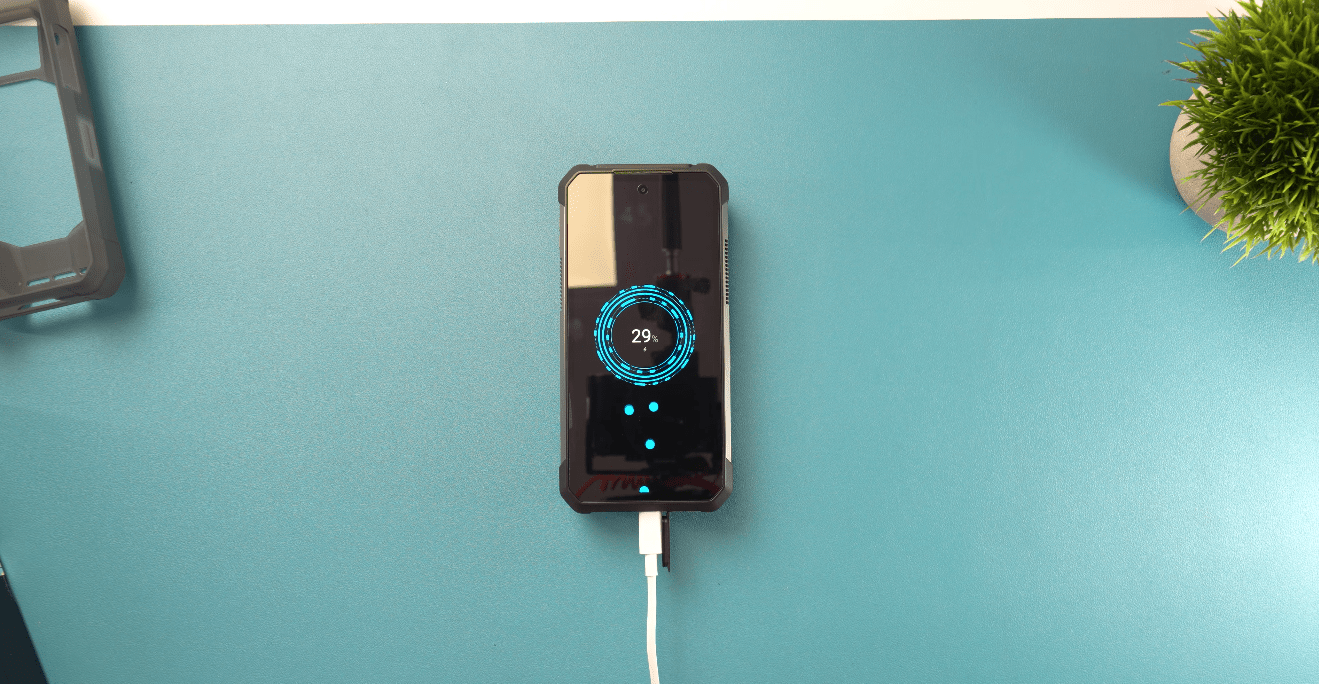
Telefon, mille aku kestis varem terve päeva, võib järsku paari tunniga tühjaks saada. Kuigi põhjus võib olla vananev aku, ei ole see alati peamine süüdlane. Ekraani kasutamine, taustal töötavad rakendused, nõrk signaal, asukohateenused, tarkvara ja isegi kõrge temperatuur võivad kõik suurendada energiatarbimist. Hea uudis on see, et paljusid aku kiire tühjenemise põhjuseid on lihtne tuvastada ja lahendada.
Põhjused, miks telefoni aku nii kiiresti tühjeneb
Enne kui hakkad hulgaliselt seadeid muutma, tasub mõista, mis võib akut üldse tühjendada. Mõned põhjused on ilmsed, teised võivad aga taustal märkamatult ilmneda.
1. Ekraan kulutab liiga palju energiat
Ekraan on üks suurimaid aku tühjenemise põhjuseid, eriti kui kasutad suurt heledust, kõrget värskendussagedust või hoiad ekraani pikka aega sisselülitatuna. Videote vaatamine, mängimine ja muud tegevused, mis nõuavad pikka ekraaniaega, võivad tühjenemise veelgi märgatavamaks muuta.
2. Rakendused töötavad taustal
Mõned rakendused värskendavad sisu, sünkroonivad andmeid, kontrollivad teavitusi või kasutavad muid teenuseid ka siis, kui sa neid aktiivselt ei kasuta. Kui mõni rakendus käitub halvasti või kasutab lihtsalt palju taustategevusi, võib see päeva jooksul märkamatult üllatavalt palju akut kulutada.
3. Telefonil on nõrk mobiilisignaal
Nõrk signaal võib akut varjatult tühjendada. Kui telefonil on ühenduse hoidmisega raskusi, võib see võrguga suhtlemiseks rohkem energiat kasutada, eriti keldrites, maapiirkondades või suurtes hoonetes.
4. Asukoha- ja ühenduvusfunktsioonid on alati aktiivsed
GPS, Bluetooth, Wi-Fi-võrkude otsimine, mobiilne andmeside ja muud ühenduvusfunktsioonid võivad kulutada rohkem energiat, kui need töötavad pidevalt taustal. See ei tähenda, et peaksid kõik välja lülitama, kuid tarbetu asukohale juurdepääs või ühendused võivad päeva jooksul kokkuvõttes märgatavalt energiat kulutada.
5. Hiljutine uuendus või rakendus põhjustab ebatavalist tühjenemist
Kui aku hakkab järsku palju kiiremini tühjenema kui varem, võib süüdi olla hiljutine tarkvara- või rakenduseuuendus. Pärast suurt süsteemiuuendust võivad telefonid ajutiselt rohkem energiat kasutada, kui nad teevad taustal näiteks sünkroonimist ja indekseerimist.
6. Aku on lihtsalt vanemaks saanud
Telefoniakud kaotavad vananedes loomulikult oma mahtuvust, mistõttu vanem aku ei suuda hoida sama palju energiat kui telefoni uuena. Kui aku kestvus on kuude või aastate jooksul järk-järgult halvenenud, mitte üleöö järsult muutunud, võib tegelik põhjus olla aku vananemine.
Kuidas kontrollida, mis telefoni akut tühjendab
Enne seadete muutmist vaata hetkeks, kuhu aku tegelikult kulub. Enamik telefone pakub aku kasutuse vaadet, mis näitab, millised rakendused ja süsteemitegevused tarbivad kõige rohkem energiat.
1. Kontrolli aku kasutust: Ava telefoni seaded ja otsi jaotist „Aku” või „Aku kasutus”. Tavaliselt näed, millised rakendused on viimase päeva või mitme päeva jooksul kõige rohkem akut tarbinud.
2. Otsi ebatavaliselt suurt rakenduse kasutust: See, et rakendus on kasutusloendis eesotsas, ei tähenda automaatselt probleemi – mängud, videorakendused ja muud nõudlikud rakendused kasutavad loomulikult rohkem energiat. Kui aga rakendus, mida kasutad harva, tarbib suure osa akust, tasub seda lähemalt uurida.
3. Kontrolli taustategevust: Pööra tähelepanu sellele, kui palju aega rakendus taustal töötab. Sage sünkroonimine, asukoha kasutamine, teavitused või muud taustatoimingud võivad akut kulutada isegi siis, kui rakendus pole ekraanil avatud.
4. Kontrolli aku seisukorda: Kui ükski konkreetne rakendus ei tundu olevat süüdi, võib probleem olla akus endas. Paljud telefonid pakuvad aku seisukorra või diagnostika teavet, mis aitab kindlaks teha, kas aku mahtuvus on märkimisväärselt vähenenud.
Kuidas lahendada telefoni aku liiga kiire tühjenemise probleem
Kui tead, mis kasutab kõige rohkem energiat, saad keskenduda õigele lahendusele, selle asemel et telefoni kõik funktsioonid välja lülitada. Alusta muudatustest, mis vastavad aku kasutusaruandes näidatud tulemustele.
1. Vähenda ekraani heledust ja ekraaniaega
Ekraan võib tarbida märkimisväärselt palju energiat, eriti suure heleduse või pika ekraaniaja korral. Vähenda heledus mugava tasemeni ja võimaluse korral kasuta lühemat ekraani väljalülituse aega.
2. Piira palju energiat kasutavate rakenduste taustategevust
Kui mõni rakendus kasutab taustal liiga palju akut, piira selle taustategevust või eemalda see, kui sa seda enam ei vaja. See on eriti kasulik rakenduste puhul, mis jätkavad sünkroonimist või värskendamist ajal, kui kasutad neid harva.
3. Lülita välja mittevajalik asukoha määramine ja ühendused
GPS-i, Bluetoothi või mobiilset andmesidet ei pea kogu aeg välja lülitama, kuid nende funktsioonide väljalülitamine, mida te ei kasuta, võib vähendada tarbetut energiatarbimist. Nõrga mobiililevi korral võib aidata ka Wi-Fi kasutamine mobiilse andmeside asemel.
4. Värskendage telefoni ja rakendusi
Tarkvaraprobleem võib mõnikord põhjustada aku ebatavaliselt kiiret tühjenemist ning värskendused võivad sisaldada parandusi või optimeerimisi. Kui probleem algas pärast värskendust, andke telefonile aega taustatoimingute lõpetamiseks, enne kui eeldate, et aku on rikkis.
5. Kasutage akusäästjat, kui vajate lisaaega
Akusäästja või vähese energiatarbega režiim võib aku tühjenemise korral vähendada taustategevusi ja muid palju energiat tarbivaid funktsioone. See on eriti kasulik siis, kui telefon peab vastu pidama seni, kuni jõuate laadija juurde.
6. Hoidke telefon jahedana
Kuumus on akudele halb. Kui telefon muutub laadimise, mängimise, navigeerimise või muude nõudlike toimingute ajal kuumaks, laske sellel pigem jahtuda, selle asemel et seda edasi tugevalt koormata.
7. Vajaduse korral vahetage vananenud aku välja
Kui telefon tühjeneb ka pärast ilmsete põhjuste kõrvaldamist endiselt kiiresti, võib vananenud aku olla lihtsalt liiga palju mahtuvust kaotanud. Sellisel juhul võib aku vahetamine olla mõistlikum kui seadete pidev muutmine – eeldusel, et telefoni ülejäänud osa on endiselt heas seisukorras.
Kuidas kaitsta telefoni aku tervist
Head aku kasutamise harjumused ei tähenda niivõrd rangete laadimisreeglite järgimist, kuivõrd aku tarbetult koormavate tingimuste vältimist. Liitiumioonakud kaotavad aja jooksul loomulikult mahtuvust, kuid mõistlik igapäevane kasutamine võib seda protsessi aeglustada.
- Hoidke telefon liigse kuumuse eest.
- Vältige telefoni intensiivset kasutamist, kui see on väga kuum.
- Kasutage usaldusväärseid laadijaid ja laadimiskaableid.
- Hoidke telefoni tarkvara ajakohasena.
- Kasutage võimaluse korral optimeeritud või adaptiivset laadimist.
- Vältige aku regulaarset täielikku tühjenemist.
- Lülitage akusäästja sisse, kui te ei vaja maksimaalset jõudlust.
Millal tuleks telefoni aku välja vahetada?
Kiiresti tühjenev aku ei tähenda alati, et vajate uut telefoni. Kui seade töötab muus osas hästi, võib aku vahetamine olla praktilisem lahendus. Märgid, et aku võib vajada tähelepanu, on tavapäratult kiire tühjenemine, ootamatud väljalülitumised, ebaühtlaselt kuvatav aku laetuse protsent või märgatavalt vähenenud aku mahtuvus.
Kuid aku vahetamine ei ole alati parim valik. Kui telefon on juba mitu aastat vana ja sellel esineb ka jõudlusprobleeme, kahjustatud ekraan, aegunud tarkvaratugi või muid suuri probleeme, võib uuendamine olla mõistlikum. Oluline on enne raha kulutamist aku vahetamisele kindlaks teha, kas aku on peamine probleem.
Suure akuga telefoni valimine
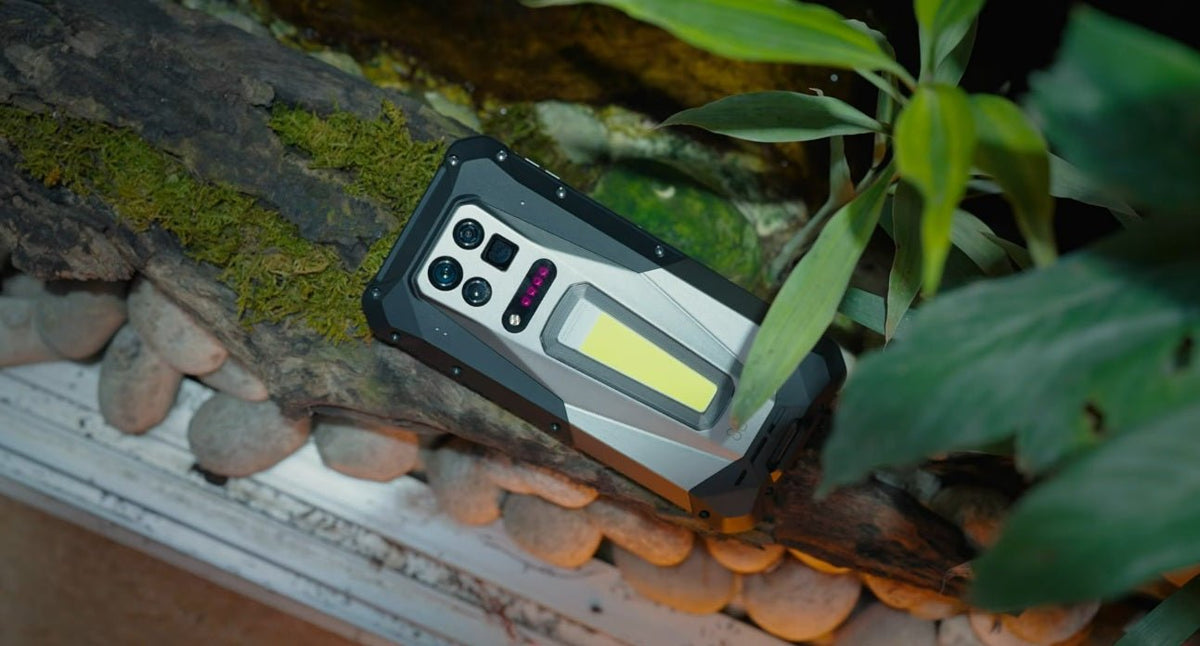
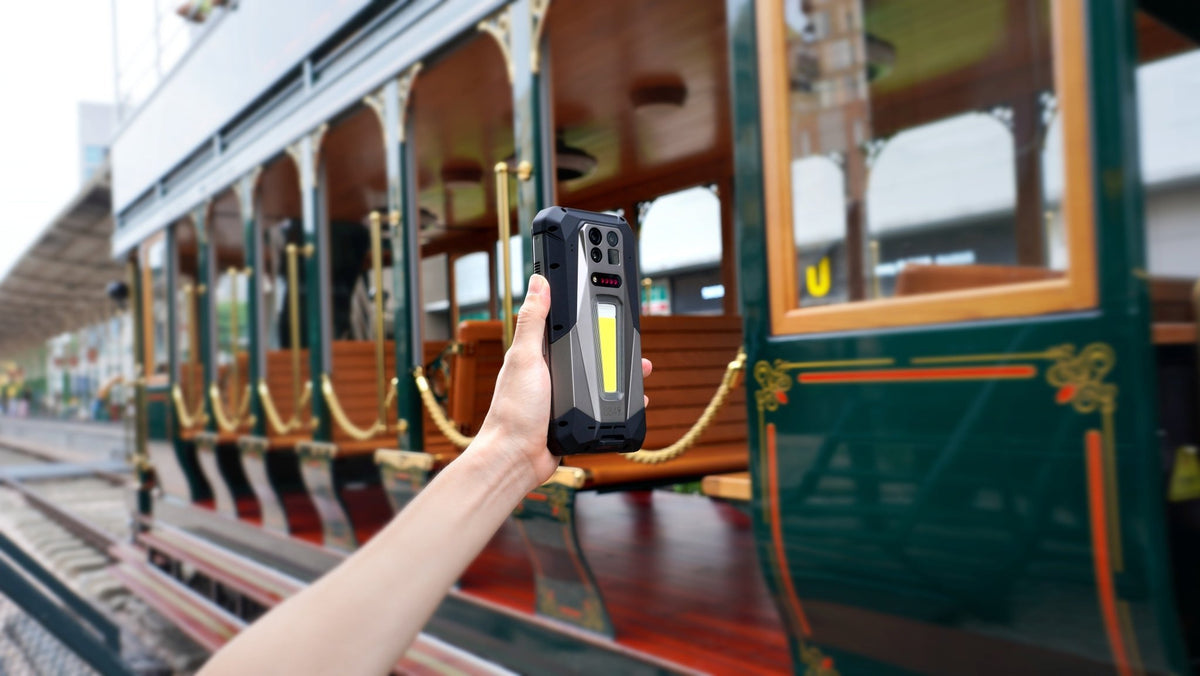
Kui veedad sageli pikki tunde õues, reisid tihti või lihtsalt ei soovi laadija läheduses viibida, võib suurema akuga telefon märgatavat erinevust teha. 8849 TANK 5 Pro on hea näide: sellel on 17 600 mAh aku ja 120 W kiirlaadimine, mis annab tüüpilise nutitelefoniga võrreldes palju suurema energiavaru. See on loodud ka vastupidava telefonina nõudlikuks õues kasutamiseks, mistõttu on selle suur aku eriti kasulik, kui laadimisvõimalusi on vähe.
 Pilt: 8849 Tank 5 Pro (17600 mAh, Vastupidav telefon)
Lõppmärkused
Liiga kiiresti tühjenev telefoniaku ei tähenda alati, et aku hakkab rikki minema. Alusta aku kasutuse kontrollimisest, et leida tegelik tühjenemise põhjus, seejärel kohanda seadeid või harjumusi, mis tarbivad ebavajalikult energiat.
Kui probleem jätkub hoolimata nendest muudatustest, võib põhjuseks olla vananev aku. Õigete laadimisharjumuste ja sinu igapäevastele vajadustele vastava akuga saad telefoni kauem töös hoida ning kulutada vähem aega laadija otsimisele.
Korduma kippuvad küsimused
Mis kurnab telefoniakut kõige rohkem?
Kiire aku tühjenemise peamiste põhjuste hulka kuuluvad ekraani sage kasutamine, palju jõudlust nõudvad rakendused, nõrk mobiilsidelevi, taustategevus ja vananev aku. Kuumus võib samuti aku kulumist aja jooksul kiirendada.
Kuidas peatada telefoniaku liiga kiire tühjenemine?
Kontrolli esmalt aku kasutust, et leida suurim energiatarbija, seejärel vähenda ekraani heledust ja kasutusaega, piira ebavajalikku taustategevust, lülita välja kasutamata ühendused või asukohajuurdepääs, hoia telefon jahedana ning kasuta vajaduse korral akusäästjat.
Jaga:
5G vastupidava telefoni 5 peamist eelist
Mis on WiFi-kõned ja kuidas need toimivad?